How to Reset Your Instagram Explore Page (and the Algorithm) in 2026
To reset your Instagram Explore page, open your profile, tap the menu, then go to Settings and activity > Content preferences > Reset suggested content. This official feature wipes the recommendations Instagram has learned about you across Explore, Reels and your Feed, and the algorithm starts repersonalizing from your next interactions.
That one-tap reset did not always exist. Instagram announced it in late 2024 and rolled it out globally during 2025, so plenty of older advice still claims a full reset is impossible. It is not, and this guide covers the official reset step by step, plus the manual retraining methods that keep your Explore page fixed after the wipe.
How to Reset the Instagram Algorithm (Official Reset Feature)
Instagram's Reset suggested content option is a genuine algorithm reset: it clears the interest profile behind your recommendations in Explore, Reels and Feed. Here is the current path in the app:
- Go to your profile and tap the menu (☰) in the top corner
- Open Settings and activity
- Scroll to Content preferences
- Tap Reset suggested content
- Confirm the reset
A few details worth knowing before you tap:
- It resets suggestions everywhere: Explore, Reels and the recommended posts in your Feed all start over.
- It does not touch your follows, though Instagram shows you your following list during the reset so you can unfollow accounts you no longer want shaping your feed.
- Recommendations repersonalize immediately. The reset is a clean slate, not a permanent blank: everything you watch, like and search from that moment retrains the system.
Instagram's own announcement of the feature is on the official Instagram blog if you want the source. If TikTok's feed is your problem instead, the equivalent process is covered in our guide to resetting the TikTok algorithm.
How the Instagram Explore Page Works
The Explore page is not random. It predicts what you might want to see next based on how you use the app, and it weights recent behavior far more heavily than long-term habits. What you liked, watched or searched this week matters more than anything from months ago.
The strongest signals include:
- Posts you like, save or comment on
- Videos you watch all the way through
- Accounts you visit or follow
- Topics and keywords you search for
- How long you pause on certain posts
Instagram does not judge intent. It cannot tell whether you enjoyed a post or opened it out of morbid curiosity. It only sees engagement, and it assumes engagement means interest. That is why Explore drifts over time, and why a reset plus better signals fixes it.
Can You Fully Reset the Instagram Explore Page?

Yes. The Reset suggested content feature is a full recommendations wipe, and it is the fastest option. But a reset alone does not keep Explore fixed, because the moment you start scrolling again you are feeding the algorithm new signals. If those signals repeat your old habits, the old Explore page rebuilds itself within weeks.
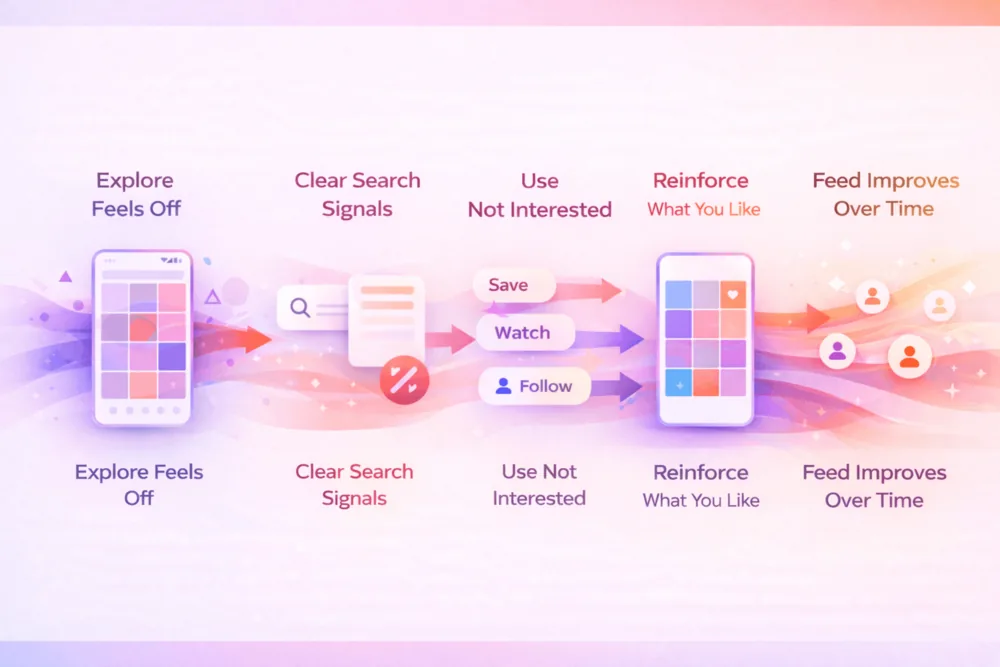
A lasting fix has three parts:
- Reset the suggestions (the official feature above)
- Remove lingering inputs like your search history
- Teach the algorithm what you want now through deliberate interactions
The next two sections handle the second and third parts.
Clear Your Instagram Search History
Your search activity is one of the strongest signals shaping Explore. Every name, topic or keyword you type tells Instagram what you might be interested in, even if you searched out of curiosity.
How to clear it
- Open Instagram and go to your profile
- Tap the menu in the top corner
- Select Your activity
- Open Recent searches
- Clear all search history
This will not reset Explore on its own, but paired with the suggestions reset it removes one of the most direct ways Instagram re-learns your old interests. Follow it up with better interaction habits or the algorithm quickly rebuilds the same patterns.
Retrain Your Explore Feed With Your Interactions

After a reset, your daily behavior becomes the main driver of what shows up. Instagram only reads actions, so make the actions deliberate.
Reinforce the content you want
- Save posts related to your real interests
- Watch videos all the way through
- Visit profiles that post content you enjoy
- Follow creators in topics you want more of
Even viewing a profile sends a signal. Many users worry about that being visible; who can actually see profile views on Instagram explains what is and is not shown.
Stop feeding the content you do not want
- No hate-watching
- No opening posts out of curiosity
- No pausing on posts you plan to skip
- Tap Not Interested on anything that does not belong, consistently, not just once
This applies to Stories and other temporary content too; what Instagram does and does not reveal about Story activity covers how much passive behavior still gets tracked.
How Instagram interprets your actions
| What You Do | How Instagram Reads It |
| Watch a video fully | Strong interest in that topic |
| Save a post | High relevance |
| Visit a profile | Curiosity or intent |
| Pause on a post | Possible interest |
| Mark "Not Interested" | Clear negative signal |
How Long the Reset Takes to Show Results
The official reset changes Explore immediately: the next time you open it, the suggestions are generic and broad, like a new account. What takes time is repersonalization in the direction you actually want.
For most users, early changes appear within a few days of intentional scrolling. Bigger improvements usually take one to two weeks of consistent behavior:
- Unwanted content stops reappearing
- New topics start mixing into Explore
- Recommendations feel more accurate over time
One or two good sessions will not lock it in. If old habits creep back, the feed slides right back with them. Think of Explore as something you guide continuously, not something you fix once.
Supporting Healthier Instagram Growth

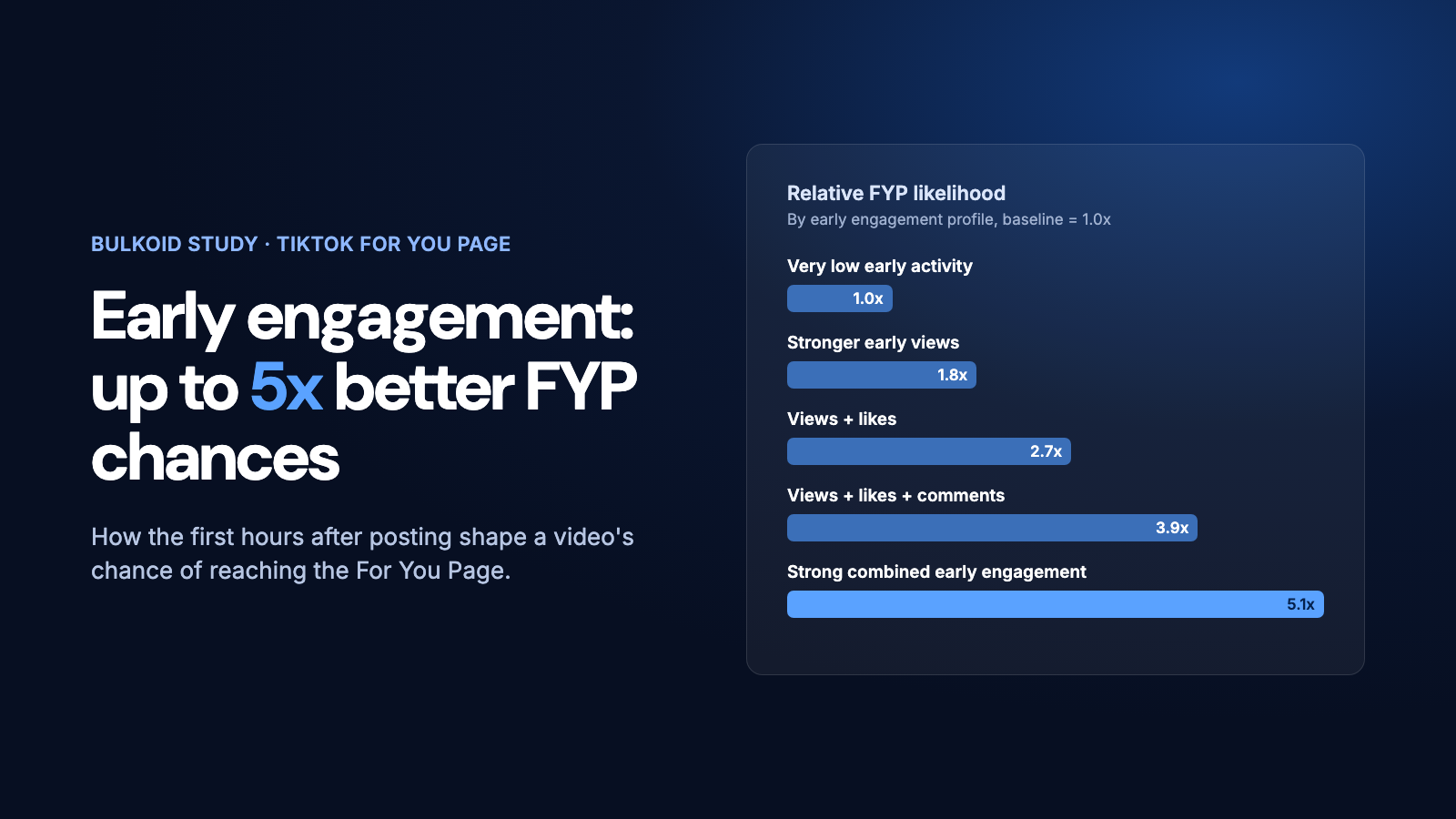
Everything above works because Instagram responds to signals, and the same is true from the creator side. Posts that receive likes, views and saves soon after publishing are more likely to be tested beyond your existing followers and enter the recommendation cycle instead of stalling early.
Some creators choose to add visible social proof to new posts with Instagram likes from Bulkoid while they keep posting consistently and let the organic signals above do the algorithmic work.
Whether you rely fully on organic interaction or add light support, the principle stays the same: Instagram responds to patterns. When those patterns are intentional and consistent, both your Explore page and your own reach become easier to guide instead of guess.
Final Thoughts
Resetting your Instagram Explore page is a two-step job in 2026: use Reset suggested content for the clean slate, then retrain the algorithm with deliberate saves, full watches and consistent Not Interested taps. The reset handles the past; your habits handle everything after.
Do both and the drift stops. Explore starts reflecting what you actually care about, and it stays that way for as long as your signals do.