How to Reset Your TikTok Algorithm in 2026 (Step by Step)
To reset your TikTok algorithm, open TikTok, go to your profile, tap the three-line menu, then Settings and privacy > Content preferences > Refresh your For You feed. Confirm the refresh and TikTok wipes your recommendations, showing your For You Page (FYP) as if you had just signed up. From there, every like, watch and skip retrains the feed.
That built-in Refresh feature is the closest thing to a true reset TikTok offers, and it still works in 2026. But it is permanent, it does not touch your followers or profile, and it is not always the right fix. This guide walks through the exact steps, what actually influences your feed, and how to retrain it fast without ending up back where you started.
What the TikTok Algorithm Actually Tracks
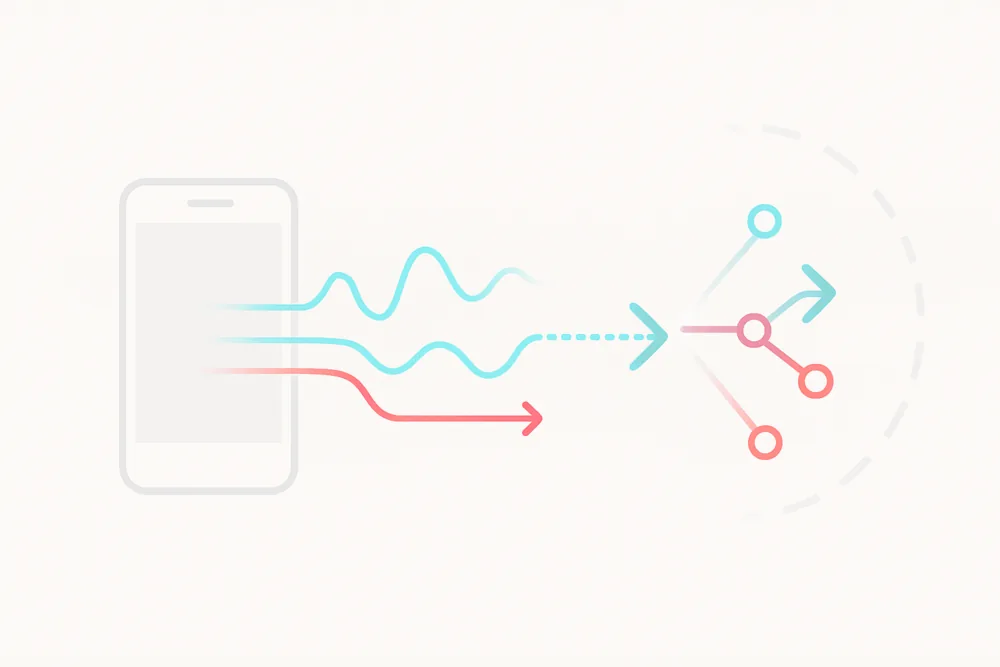
Before you reset anything, it helps to know what you are resetting. TikTok's recommendation system watches nearly everything you do:
✅ Watch time: The longer you watch a video, the more TikTok thinks you like that type of content, even if you never hit like.
✅ Likes, shares and saves: Engaging with a post tells the algorithm you want more of that style, topic or creator.
✅ Comments: Even leaving a joke or tagging a friend helps TikTok decide what else to serve you.
✅ Skips and rewatches: Skipping quickly signals disinterest. Rewatching sends the opposite signal.
✅ Accounts you follow: This helps TikTok group your interests into categories like beauty, fitness or pets.
✅ Searches, hashtags and sounds: TikTok connects patterns between what you search for, the hashtags on videos you finish, and the sounds you linger on.
The more you interact, the stronger the signal. That is why a few days of hate-watching one weird trend can hijack your whole feed, and why a reset works: it clears those accumulated signals in one move.
Step by Step: How to Reset Your TikTok Algorithm
TikTok's official reset is called Refresh your For You feed. It clears the influence of your past activity so the FYP starts over. Here is the exact path in the current app:
- Open TikTok and go to your profile
- Tap the three lines (☰) in the top right
- Tap Settings and privacy
- Scroll to Content preferences
- Select Refresh your For You feed
- Tap Continue, then confirm the Refresh
Three things to know before you tap that last button:
- It cannot be undone. Once refreshed, your old recommendation history is gone for good.
- It only affects the For You feed. Your Following feed, profile, videos, followers and messages stay exactly as they are.
- The first day feels generic. You will see a broad mix of popular content, like a brand-new account, until your new interactions give TikTok something to work with.
What "Reset" Actually Means
Resetting the TikTok algorithm does not wipe your account clean, and it does not delete your data from TikTok's servers. It clears the recommendation profile the app has built for you, so the FYP stops leaning on your old behavior.
If you would rather not do a full refresh, you can steer the feed gradually instead. Unfollowing stale accounts, tapping "Not interested" consistently, and being deliberate about what you finish watching all push the algorithm in a new direction, just slower. The same retraining logic applies on other platforms too; the process for resetting your Instagram Explore page works on identical principles.
Other Ways to Retrain Your Feed
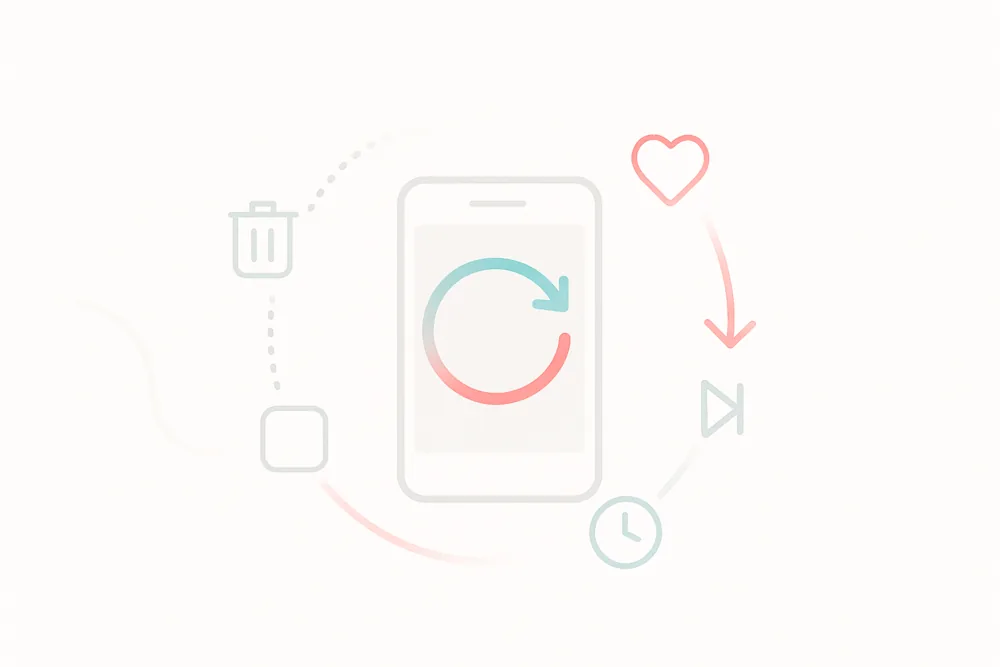
Whether or not you use the Refresh button, these actions shape what shows up next. They add up fast:
✅ Use "Not interested" aggressively: Press and hold on any video, then tap "Not interested." You can also filter out specific hashtags and keywords from Content preferences.
✅ Interact with what you actually like: Likes, follows, saves and comments are the fastest way to teach TikTok your new preferences.
✅ Follow fresh creators in your target niche: Want more cooking, DIY or fitness? Follow a few active creators there and watch their videos to the end.
✅ Be intentional with watch time: Finish videos you want more of, and swipe away fast from everything else. Watch time is the strongest signal you control.
✅ Unfollow accounts that no longer fit: Your follow list feeds the interest categories TikTok sorts you into.
Does Clearing the Cache Reset the Algorithm?
No, and this is the most repeated myth about TikTok resets. The cache holds temporary files like drafts and loading data, not your watch history or recommendation profile. Clearing it will not change what the algorithm shows you.
It is still worth doing when the app feels glitchy or stuck on stale content:
- Go to Settings and privacy
- Tap Free up space
- Tap Clear next to Cache
Think of it as app maintenance, not a reset button. Your interactions carry all the real weight.
What to Expect After Resetting
Right after a refresh, TikTok serves a broad mix of trending videos. It can feel random for a day or two; that is normal. The system is probing to see what you respond to.
To shape the new feed quickly:
- Like, save and comment on what you enjoy
- Rewatch or finish videos you want more of
- Follow a handful of creators in your niche on day one
- Tap "Not interested" the moment something off-target appears
Most users see a recognizably "theirs" feed again within a few days of intentional scrolling.
Common Mistakes That Mess Up Your FYP Again
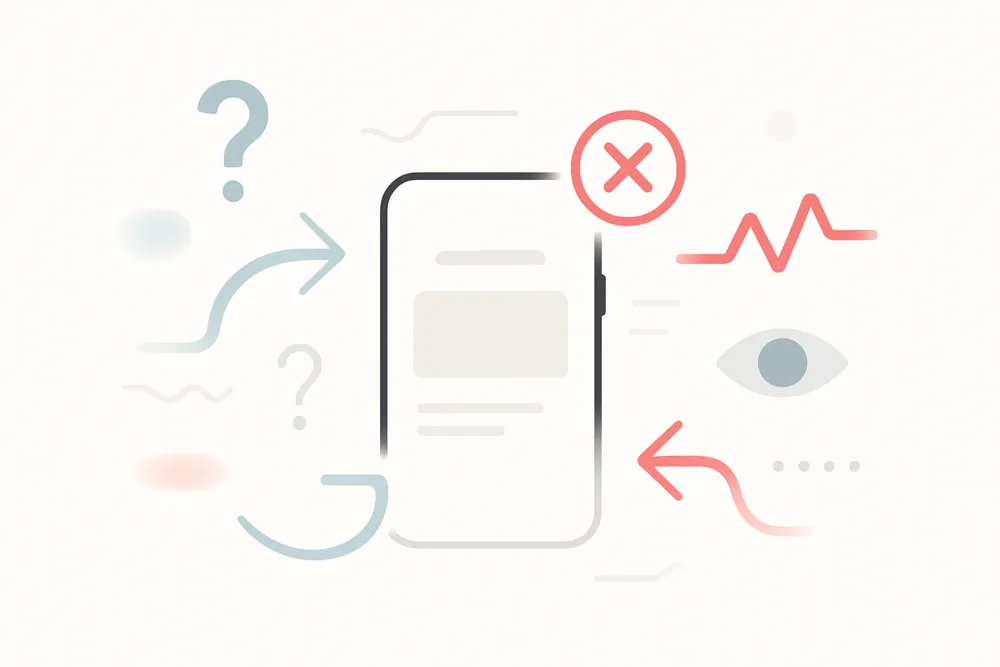
A reset only sticks if your habits change with it. These are the behaviors that drag a freshly reset feed straight back into chaos:
🚫 Scrolling without interacting: Passive watching gives TikTok nothing to work with, so it guesses, and often guesses wrong.
🚫 Hate-watching: Lingering on content because it is annoying or dramatic reads as interest. TikTok will send more.
🚫 Ignoring "Not interested": If you never use it, the app assumes everything it shows you is fine.
🚫 Bouncing between random niches: Jumping from fitness to conspiracy clips to pranks in one session muddies your signal. Keep early post-reset sessions focused.
Resetting Helps Viewers. Creators Need Reach Too
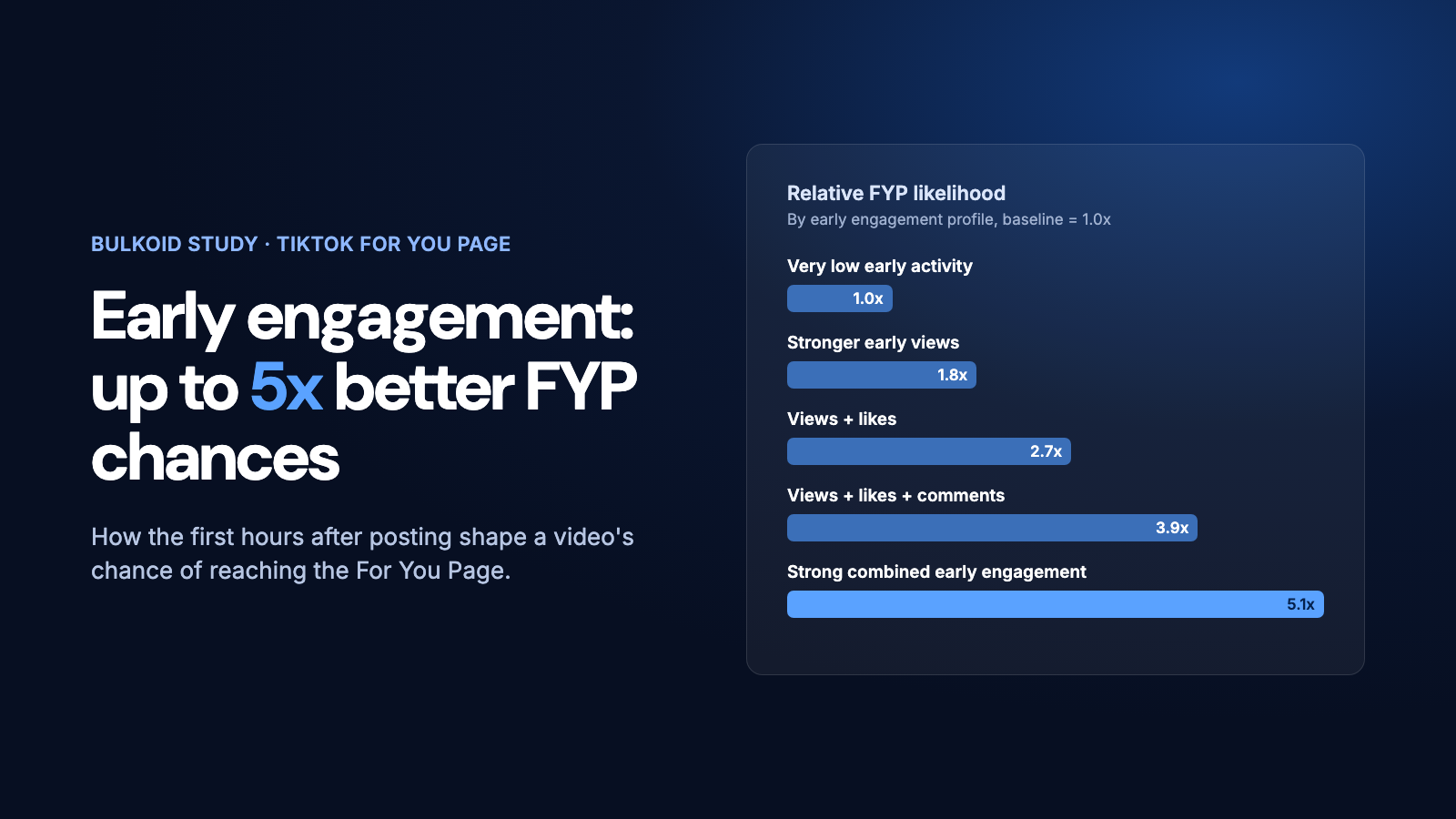
A reset fixes what you see. If the problem is that your own videos are not getting picked up, that is a distribution question, and it follows the same signal logic: the algorithm promotes content that earns engagement early. Our guide on how to go viral on TikTok breaks down how those ranking signals work from the creator side.
For creators who want their content to reach a wider audience while they build consistency, Bulkoid offers real TikTok followers, views, likes and comments that strengthen a profile's social proof alongside organic posting.
Either way, the takeaway is the same: TikTok's algorithm is trainable. Reset it when it drifts, then feed it deliberate signals, and the FYP goes back to working for you.