How to Lock Your Facebook Profile for More Privacy
Facebook gives users a few ways to control who can see their information, and one of the simplest options is profile locking. If you want more privacy without going through every setting one by one, learning how to lock Facebook profile can be a quick fix.
In this guide, we’ll show you how to lock your Facebook profile on mobile and desktop, explain what the feature actually does, and cover what to do if the option does not appear on your account.
How to Lock Facebook Profile on Mobile
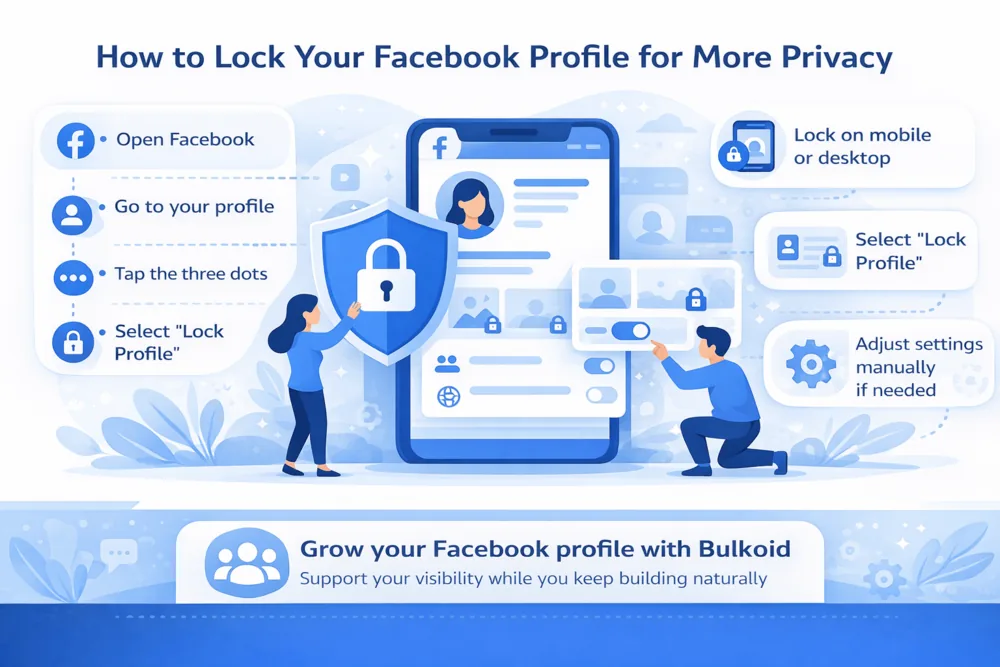
If you use Facebook on your phone, locking your profile is usually quick and simple. In most cases, the option appears right on your profile page.
Follow these steps:
- Open the Facebook app
- Go to your profile
- Tap the three-dot button under your name
- Look for the Lock Profile option
- Tap it
- Review the short explanation from Facebook
- Confirm your choice
Once you do this, Facebook will apply a more private setup to your profile.
What to do if you do not see the option
If Lock Profile does not appear, that does not always mean you are doing something wrong. Facebook does not offer this feature to every account or in every region, so some users will not see it at all.
In that case, you may need to adjust your privacy settings manually instead.
How to Lock Facebook Profile on Desktop
If you are using Facebook on a computer, the process is similar to mobile, though the exact layout can vary a little depending on the version of Facebook you see.
Follow these steps:
- Open Facebook in your browser
- Click your name or profile picture to go to your profile
- Click the three-dot button on your profile page
- Look for the Lock Profile option
- Click it
- Review the information Facebook shows
- Confirm to lock your profile
Once the setting is turned on, Facebook will apply extra privacy limits to your profile.
If you do not see the option
Not every account has access to profile locking on desktop. In some cases, the feature is only available in certain countries or may not appear for your profile at all.
That is why some users can follow the steps exactly and still not find the option.
Good to know
If the feature is missing on desktop, it is worth checking the Facebook mobile app too. Some users find that certain profile features show up more clearly there than on the browser version.
If you also use Facebook more actively for content, this is a good time to look at The Easiest Way to Schedule Facebook Posts so your profile stays active while you manage privacy settings.
What Does Locking Your Facebook Profile Do?
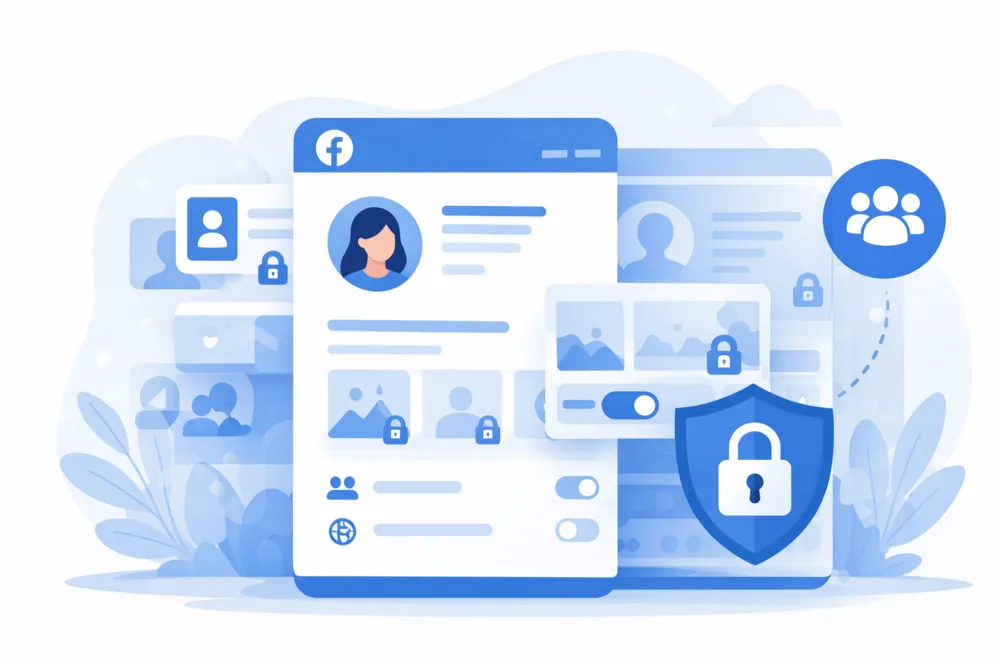
Locking your Facebook profile adds an extra layer of privacy by limiting what people who are not on your friends list can see. It is meant to make your profile feel less open to strangers without forcing you to change every setting manually.
When your profile is locked, Facebook usually limits:
- posts and photos shared on your timeline
- full-size profile pictures and cover photos
- stories and profile content visible to non-friends
- some profile details that would otherwise be public
In simple terms, people who are not your Facebook friends get a much more limited view of your profile.
Why people use it
Some users lock their profile because they want more privacy. Others do it to reduce unwanted attention, keep personal photos less visible or make their account feel more secure.
It can also be useful if you want a more private personal profile while still learning about other Facebook features, such as Professional Mode on Facebook, which changes how some users approach visibility and public presence.
Why You May Not See the Lock Profile Option and What to Do Instead
Not everyone gets access to Facebook’s profile lock feature. If you followed the steps and still cannot find it, the most likely reason is that Facebook does not offer it for your account, country or app version.
Recent Facebook updates also show how much the platform keeps evolving, both around creator tools and broader social features. Even Meta’s wider product direction has continued shifting, as covered in this Axios report.
Common reasons the option is missing
- the feature is not available in your region
- your account does not currently support profile locking
- you are using an older version of the Facebook app
- the option is not showing on that device, even if it may appear on another one
This can be frustrating, but it does not mean you are out of options.
What you can do instead
If profile locking is unavailable, you can still make your account more private by adjusting a few settings manually.
Focus on these privacy settings:
- change future posts to Friends instead of Public
- limit who can see your friends list
- hide personal details like phone number, email address and birthday
- review old public posts and limit their visibility
- control who can send you friend requests
- decide who can look you up using your email address or phone number
A simple backup plan
Even without the lock feature, these manual settings can still make a big difference. For many users, updating post visibility and profile details gives them most of the privacy they were looking for in the first place.
At the same time, Facebook is putting more energy into creator growth through initiatives like Creator Fast Track, which is another sign that privacy and visibility now sit side by side on the platform.
Build a Stronger Facebook Presence Alongside Better Privacy
Locking your Facebook profile can help you feel more comfortable about what other people can see, but privacy is only one part of managing your account well. Many users also want their profile to look active, credible and worth following.
If your goal is to grow your presence while keeping more control over your account, services like Facebook followers from Bulkoid can help support that visibility. It can be a simple way to give your profile a stronger starting point while you continue posting, engaging and building your audience naturally.
It works best as part of a broader approach, especially if you care about both privacy and presentation on Facebook.
Keep Your Facebook Profile More Private
Learning how to lock Facebook profile is a simple way to limit what strangers can see.
If the feature is available, you can turn it on in a few steps. If it is not, adjusting your privacy settings manually can still make your account feel much more private.
👉 Grow Your Facebook Profile with Bulkoid
Want your profile to look more active and established?
Buy Facebook followers from Bulkoid and give your account a stronger first impression while you keep growing naturally.