What Is Professional Mode on Facebook? What It Does and How to Turn It On
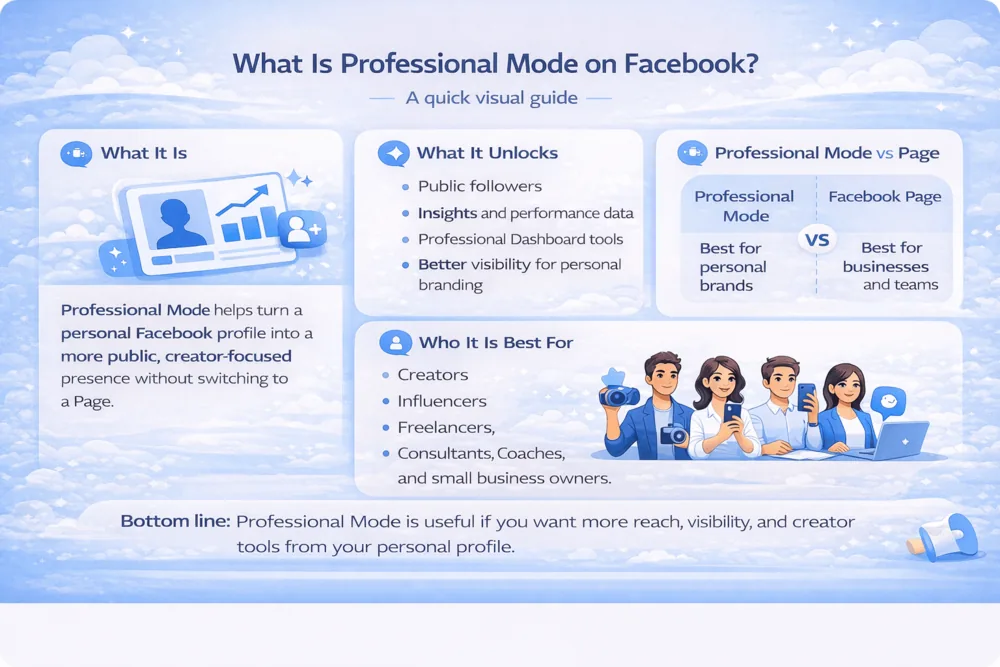
Professional mode on Facebook is a free setting that turns your personal profile into a creator profile: anyone can follow you, you get analytics through the Professional Dashboard, and your profile becomes eligible for Facebook's monetization tools, all without creating a separate Page. You keep your friends, your posts and your name; Facebook just adds a public, creator-focused layer on top.
This guide covers exactly what changes when you switch it on, the monetization tools it unlocks (and their current eligibility rules), how to turn it on and off, and when a Page is the better choice.
What Is Professional Mode on Facebook?
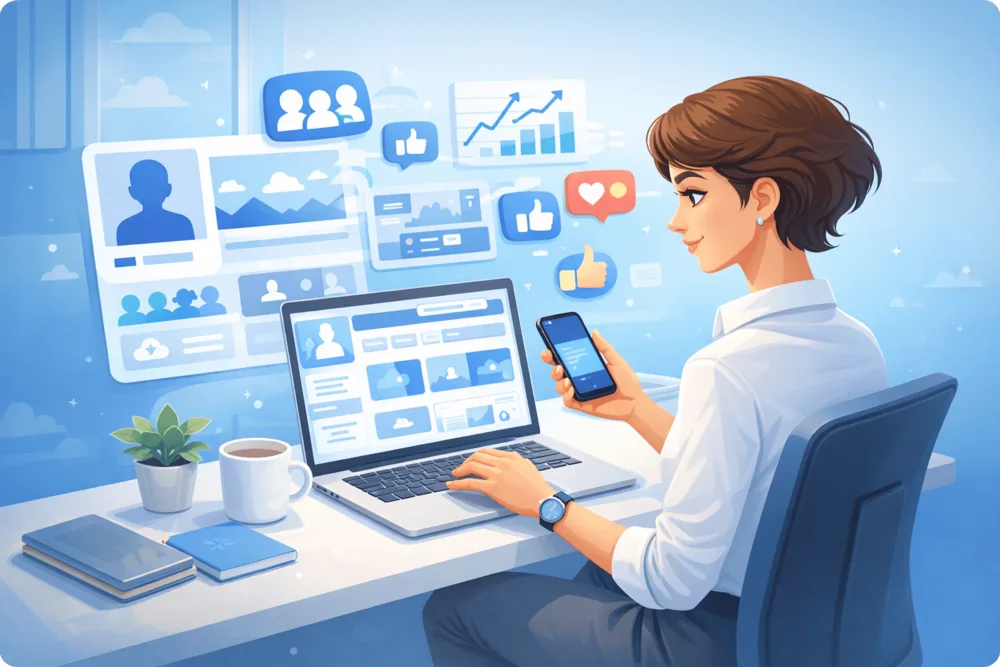
Professional mode is Facebook's answer to a simple problem: creators wanted to build an audience without managing a separate Page. Instead of splitting your presence, the mode upgrades your existing profile with the tools that used to be Page-only: public followers, content insights and monetization eligibility.
Your friends stay friends. Your existing audience does not change. What changes is that people who are not your friends can now follow you and see the content you share publicly, and you get data on how that content performs.
It appeals most to creators, hobbyists building an audience around their content, freelancers, coaches and local public figures. If you only use Facebook privately to keep up with people you know, professional mode adds little and makes managing privacy slightly more involved.
What Changes When You Turn On Professional Mode
Flipping the switch changes five concrete things:
- Anyone can follow you. Your follower count becomes part of your public profile, and public posts can reach non-friends through Feed and Reels recommendations.
- You get the Professional Dashboard. This becomes your command center: post reach, engagement, follower growth and audience data that regular profiles never see.
- You become eligible for monetization tools. Eligibility is checked per account; the dashboard shows which tools you qualify for (details in the next section).
- Per-post audience control stays. You choose which posts are public and which stay friends-only; turning on professional mode does not retroactively expose private posts.
- Extra safety tools appear. Facebook adds moderation and comment-management features built for accounts with public audiences.
What does not change: your name, your friends list, your message threads and your old posts' privacy settings all stay as they were.
Monetization Tools and Eligibility (2026)
Professional mode does not guarantee income; it makes your profile eligible for Facebook's creator programs, which each have their own requirements. The current lineup:
Tool | How you earn | Basic eligibility |
Facebook Content Monetization | Performance-based payouts on eligible public reels, videos, photos and text posts. This unified program replaced In-stream ads, Ads on Reels and the Performance bonus, which ended August 31, 2025. | Eligible Page or professional-mode profile, eligible country, compliance with Meta's Partner Monetization and Content Monetization Policies; access is confirmed per account in the Professional Dashboard. |
Stars | Viewers send Stars on live and on-demand content; each Star is worth $0.01 to the creator. | 18+, 500 followers for at least 30 consecutive days, eligible country, policy compliance. |
Subscriptions | Fans pay a monthly fee for exclusive content and perks. | Limited rollout for professional-mode profiles; some creators are invited as availability expands. |
Two practical notes. First, always check the Professional Dashboard rather than assuming: Meta gates tools by country, account history and policy standing, so two similar accounts can see different options. Second, monetization is its own topic; our guide on how to make money on Facebook covers the programs and the non-program income routes in full.
How to Turn On Professional Mode
The switch takes under a minute:
- Open Facebook and go to your profile
- Tap the menu (three dots) below your name
- Select Turn on professional mode
- Confirm and follow the on-screen steps
After switching, spend five minutes on presentation: your profile photo, bio (intro), featured section and pinned public posts are what new visitors judge first. Since professional mode is built for visibility, make sure they say what you want them to.
How to Turn Off Professional Mode
The setting is fully reversible:
- Go to your profile and tap the menu (three dots)
- Select Turn off professional mode
- Confirm
Your profile returns to a standard personal profile. You lose access to the Professional Dashboard, insights and monetization tools while the mode is off; you can switch it back on later from the same menu.
Professional Mode vs Facebook Page
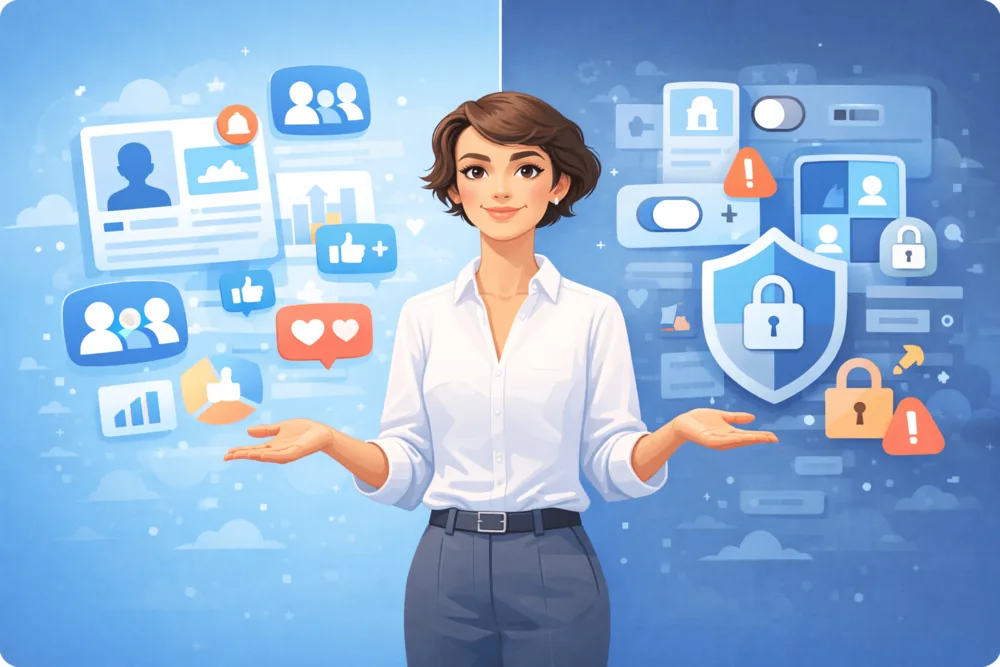
Both give you a public presence; the difference is separation.
- Professional mode: best for individuals building a personal audience from the profile they already have. One identity, one inbox, less to manage.
- Facebook Page: better when you need a public presence separate from your personal life, shared admin access for a team, or a presence for an organization rather than a person.
A useful rule of thumb: if the audience follows you, use professional mode; if it follows a thing (a shop, a band, a club), use a Page.
Pros and Limitations
Pros:
- Public followers and recommendation reach without a separate Page
- Real analytics on a personal profile
- A path to monetization eligibility
- Simpler than running a profile and a Page in parallel
Limitations:
- You have to manage public/private boundaries more deliberately
- Monetization tools vary by account and country; the mode itself guarantees nothing
- No shared admin access, so it does not suit teams
- Adds little if you only use Facebook privately
Growing Your Audience Once Professional Mode Is On
Turning the mode on is the start, not the strategy. Growth after the switch comes from the fundamentals: a clear profile, consistent public posting (Reels travel furthest for non-friend reach), and engaging with the comments your content earns.
Social proof plays a role too: a profile with visible followers and activity reads as more established to new visitors than an empty one. That is why some creators pair their organic posting with Facebook follower growth services from Bulkoid to strengthen early social proof while their real audience builds.
Conclusion
Professional mode on Facebook turns a personal profile into a creator profile: public followers, a Professional Dashboard, and eligibility for Stars, the unified Content Monetization program and (for some) Subscriptions. It costs nothing, takes a minute to enable, and is just as easy to turn off.
If you want an audience around your content without abandoning the profile you already have, it is the obvious first step. The tools handle the visibility mechanics; what you post still decides whether anyone sticks around.