Threads vs Instagram: How the Apps Differ and How They Connect
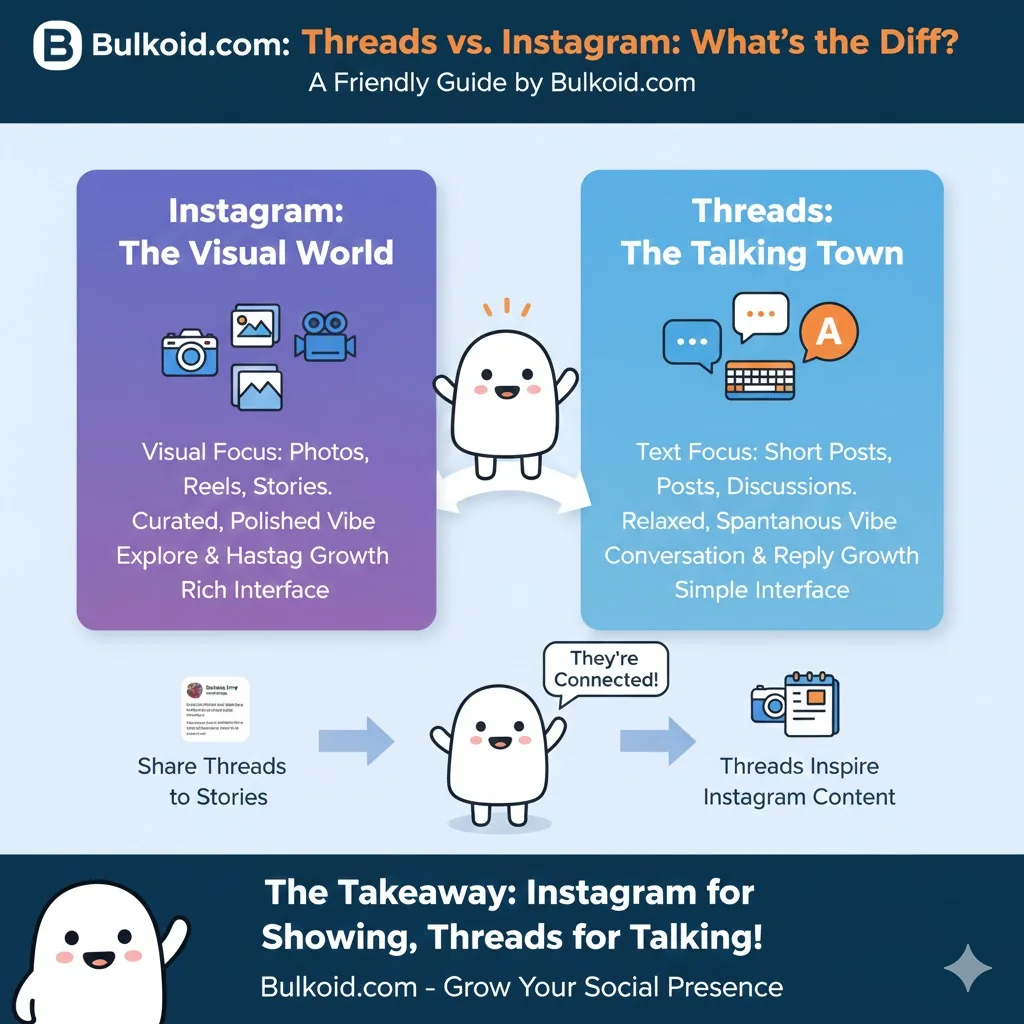
Threads is Meta’s text-first app for public conversation; Instagram is its visual platform for photos, Stories, and Reels. They share one login and one profile identity, but they differ in content format, how their feeds surface posts, and what each app is actually for. One helps you talk, the other helps you show. Here is how the two compare in 2026, how Threads works if you have never opened it, and how to make the pair work together.
Threads vs Instagram at a Glance
| Feature | Threads | |
|---|---|---|
| Core format | Short text posts (up to 500 characters) | Photos, carousels, Reels, Stories |
| Media | Photo carousels, videos up to 5 minutes, polls | Full visual toolkit: editing, filters, music, Lives |
| Feeds | For You, chronological Following, custom feeds | Home feed, Explore, Reels tab |
| Discovery | Replies, reposts, and quote posts spread content | Reels recommendations, Explore, search |
| Messaging | DMs added in 2025, group chats up to 50 | Mature DM system with channels and group tools |
| Ads | Rolled out to all users in January 2026 | Long-established ad platform |
| Creator tools | Minimal: insights are basic, no native payouts | Extensive: insights, subscriptions, badges, shopping |
| Vibe | Casual, conversational, unpolished | Curated, visual, planned |

How Does Threads Work?
Threads is built on Instagram’s account system. For most people, signing up means logging in with an Instagram account; your username, profile photo, and bio can carry over, and you can follow the same accounts you already follow on Instagram in a couple of taps. Meta has tested Instagram-free sign-up in some regions, but in practice a Threads account is attached to an Instagram identity.
Once you are in, the mechanics are simple:
- Posting. A post can hold up to 500 characters plus photos or video up to 5 minutes, and you can add polls. For longer writing, text attachments let a post carry up to 10,000 characters without breaking the format.
- Feeds. The default For You feed recommends posts from across the platform. A chronological Following feed shows only accounts you follow, and custom feeds let you build views around specific topics or accounts.
- Interaction. You can reply, repost, and quote. Replies are the engine of the app: they spread posts to new audiences and decide how long a conversation stays visible.
- Topics instead of hashtags. Threads uses clean topic tags rather than walls of hashtags, which keeps posts readable and groups conversations by subject.
- Messaging. Direct messages arrived in 2025, including group chats of up to 50 people, and came to the web version in 2026.
Two practical details worth knowing. First, the connection is convenient, not a trap: you can deactivate or delete your Threads profile without deleting your Instagram account. Second, the two apps keep separate notification and mute settings, so an account you follow on both can be loud in one place and quiet in the other.
For a beginner-friendly walkthrough of the app and its history, see what Threads is and why people use it.

What Makes Instagram Different
Instagram is presentation-first. The formats revolve around visuals: feed posts and carousels for your permanent grid, Stories that disappear after 24 hours, Reels for short vertical video, and Lives for real-time broadcasts. Creation tools are deep, with editing, filters, music, templates, and collaborative posts.
Discovery works differently too. On Threads, content spreads because people reply to it. On Instagram, content spreads because the recommendation system pushes it, mainly through Reels and Explore, which reward watch time and shares rather than conversation.
Instagram also has the mature creator ecosystem of the two: detailed insights, subscriptions, badges, and shopping features. If your content is visual or you are building toward creator-program income, Instagram is where those tools currently live. Threads offers a lighter toolkit and, so far, no native payouts.

How Threads and Instagram Work Together
Because the two apps share an account system, they behave less like competitors and more like two rooms in the same house:
- One identity. Same username, same profile photo, and mutual profile links, so followers can hop between your presence on both apps without searching.
- Cross-posting. A Threads post can be shared to your Instagram Story or feed in a couple of taps, and screenshots of strong Threads posts are a whole content genre on Instagram.
- A test kitchen and a showroom. Threads is a low-effort place to test ideas as plain text. The takes and questions that get the biggest response are exactly the ideas worth producing properly as Reels or carousels on Instagram.
- Audience transfer. Your Instagram following is the easiest source of first followers on Threads, and an active Threads presence gives your Instagram audience a reason to check in daily even when you have no new visual content.
Threads or Instagram: Where Should You Spend Your Time?
Lead with Threads if you think in words: opinions, questions, running commentary, community conversation. It is faster to post on, cheaper to be consistent on, and easier for a small account to get noticed through replies.
Lead with Instagram if you think in images: photography, style, food, travel, tutorials, anything where showing beats telling, or if you want the mature creator tools.
Realistically, use both. They share an audience and a login, and each covers the other’s weakness: Instagram gives your work a polished home, Threads gives your personality a voice between uploads. If you are comparing Threads to X rather than to Instagram, that matchup has different trade-offs; see Threads vs X (Twitter).
And if you are building your Threads presence from zero, momentum helps: profiles that already show some activity convert more visitors into followers. Creators who want that head start can pair consistent posting with Threads followers from Bulkoid while their organic audience catches up.