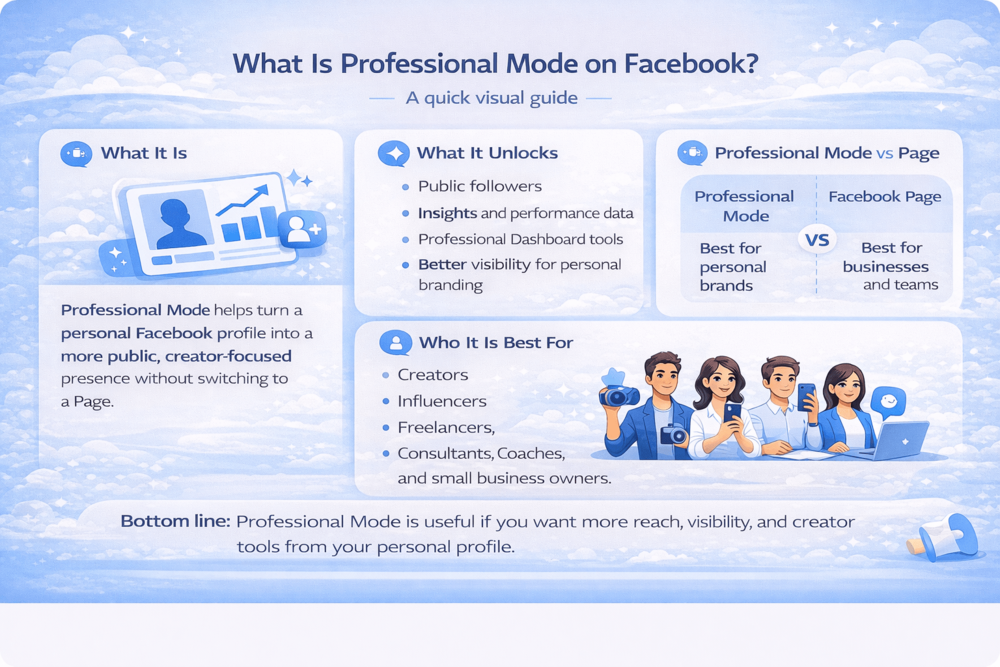
What is professional mode on Facebook is a common question for users who want more reach from their profile. The feature is designed to make a personal account more creator-friendly without needing to switch to a separate Page.
That can be useful for influencers, freelancers, small business owners, and anyone building a public presence. But before turning it on, it helps to understand what it changes, what tools it unlocks, and whether it fits your goals.
In this guide, we will look at how Professional Mode works, who it is for, and how it compares to other ways of growing on Facebook.
How to Turn On Professional Mode on Facebook
Turning on Professional Mode is simple, which is part of why so many users try it before creating a separate Page.
To enable it:
- Go to your Facebook profile
- Open the menu on your profile page
- Look for the option to turn on Professional Mode
- Follow the steps shown on screen
After that, it is worth reviewing how your profile appears to the public. Since Professional Mode is built for visibility, you will want to make sure your profile photo, bio, featured content, and public posts reflect how you want to present yourself.
This is also a good time to make sure people can easily share your profile. If you plan to promote it outside Facebook, understanding finding the right Facebook profile, page, or post URL can make that much easier.
What Is Professional Mode on Facebook?
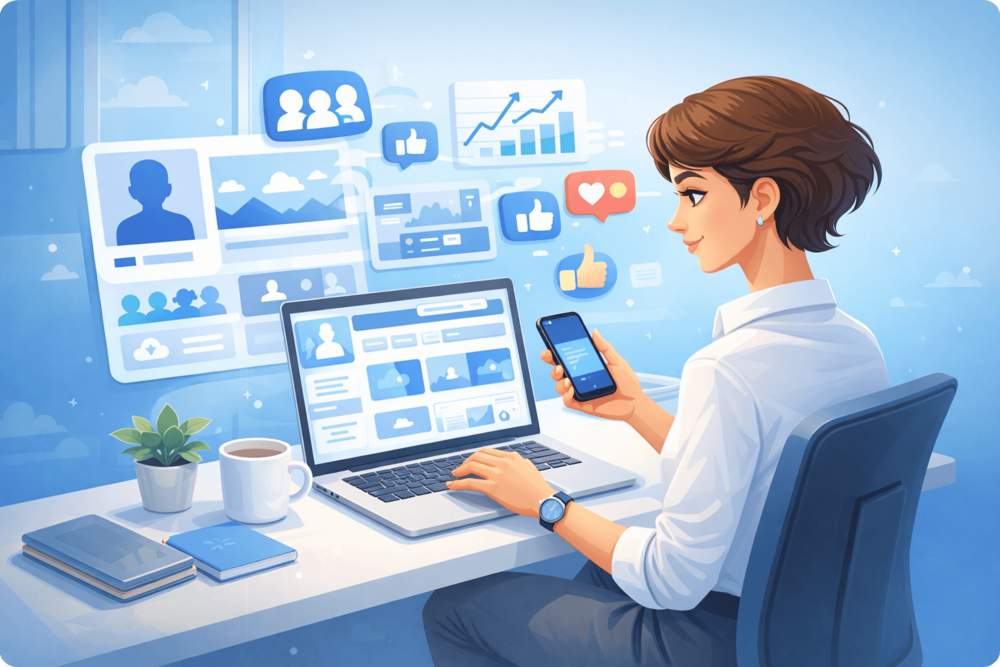
Professional Mode is a feature that lets you use your personal Facebook profile in a more public and creator-focused way. Instead of setting up a separate Page, you keep your existing profile but unlock tools that are designed for audience growth, visibility, and performance tracking.
In simple terms, it turns a regular profile into something that works more like a creator account. People can follow you for your public content, and you get access to features that are more useful if you are trying to build a brand, grow an audience, or treat Facebook as part of your professional presence.
That is why Professional Mode tends to appeal to creators, freelancers, influencers, and small business owners. It gives you a way to stay personal while still using Facebook more strategically.
What Does Facebook Professional Mode Do?
The biggest change is that Professional Mode gives your profile tools that are built for public growth, not just personal use. Instead of using Facebook only to connect with friends, you can also use it to build a follower base and track how your content performs.
Some of the main features include:
- public followers
- profile and post insights
- access to the Professional Dashboard
- audience and content performance data
- creator-focused tools for managing your presence
- possible access to monetization features if your account is eligible
This makes Facebook more useful for people who care about reach, visibility, and engagement. You are no longer just posting updates. You are also able to look at how people interact with your content and use that information to improve what you post next.
It can also change how you think about your profile overall. Once your account becomes more public, details like your bio, featured content, and posting style start to matter more because they shape how new visitors see you.
Who Should Use Facebook Professional Mode?
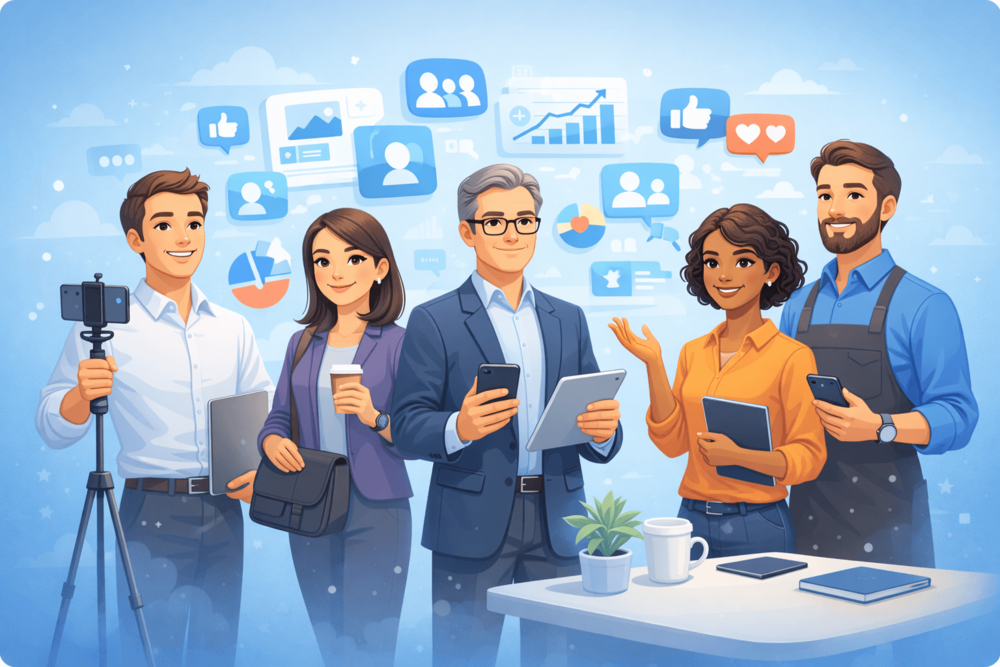
Professional Mode makes the most sense for people who want their Facebook profile to do more than stay personal. If you are trying to grow an audience, build trust, or make your content easier to discover, the extra tools can be useful.
It is usually a good fit for:
Creators: people who post content regularly and want better reach, follower growth, and performance insights
Influencers: users who rely on visibility, audience trust, and engagement to grow their personal brand
Freelancers: professionals who use Facebook to attract clients and show their work or expertise
Consultants: people who want to position themselves as knowledgeable in a specific field and build credibility
Coaches: users who share advice, education, or motivation and want a stronger public presence
Small business owners: people who promote themselves or their services through a personal profile instead of only a business Page
Local public figures: community-facing individuals who want to stay visible and build a following in their area
Anyone building a personal brand: users who want their profile to support long-term audience growth and professional visibility
For these users, Professional Mode can make Facebook feel less like a private social network and more like a platform for visibility and audience growth.
At the same time, it is not necessary for everyone. If you mainly use Facebook to stay in touch with friends, post occasionally, and keep your profile private, Professional Mode may not add much value. The feature works best when you actually want a more public presence.
Professional Mode vs Facebook Page
Professional Mode and a Facebook Page both help you build a public presence, but they work differently. Professional Mode is added to your personal profile, while a Page is a separate space for a business, brand, or public identity.
For many creators, Professional Mode feels simpler because you can grow from your existing profile instead of managing a separate Page. A Facebook Page still makes more sense for companies, teams, or anyone who wants a clearer split between personal and public use.
Here is the difference in simple terms:
Professional Mode: best for individuals growing a personal brand from their own profile
Facebook Page: better for businesses, organizations, and brands that need a separate public presence
That is why Professional Mode is often a better fit for solo creators, while Pages are usually more useful for companies or teams.
Pros and Limitations of Professional Mode
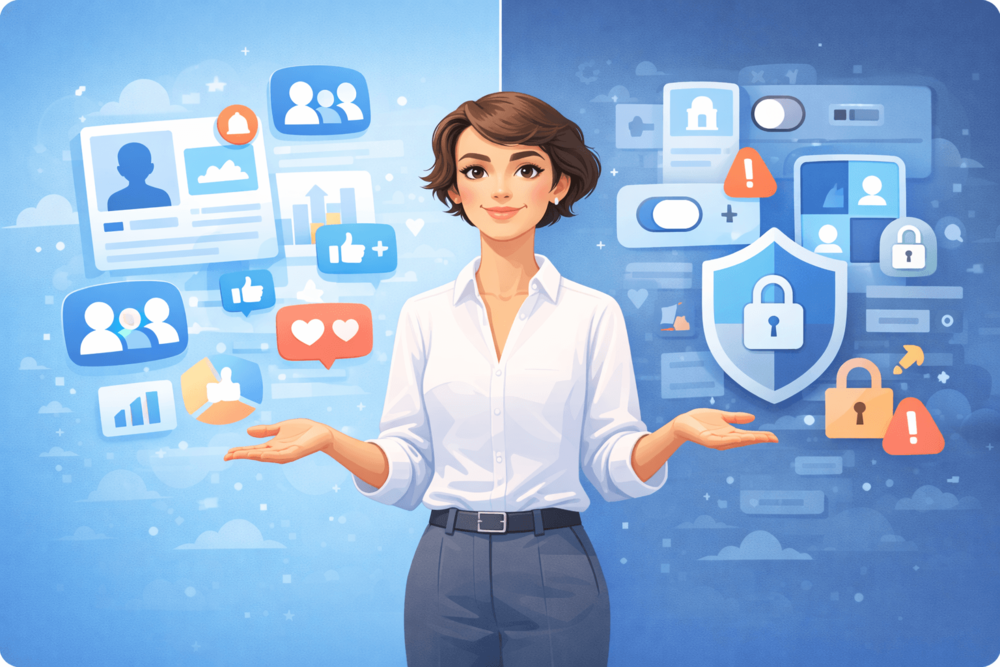
Professional Mode can be a smart option if you want to grow your presence on Facebook without creating a separate Page. It gives you access to tools that make your profile feel more useful from a creator or branding point of view.
Some of the main benefits include:
- access to public followers
- better visibility for people who want to grow an audience
- insights that help you understand how your content performs
- a simpler setup than building and managing a separate Page
- a more professional structure for personal branding
At the same time, it is not perfect for everyone.
There are also some limitations to keep in mind:
- you need to pay closer attention to privacy and public profile settings
- not every account gets access to the same features
- some users may prefer keeping personal and professional activity separate
- it may not offer much value if you only use Facebook privately
This is also where the broader Facebook experience matters. Platform changes can affect how people use Facebook for growth, visibility, and content distribution. That is part of why recent reports about Facebook testing paid link sharing have attracted attention, especially for users who rely on reach and discoverability.
As you spend more time using the platform for growth, it can help to understand how to control the ads you see on Facebook, especially if you want a cleaner setup while managing your profile more actively.
Growing Your Audience Once Professional Mode Is On
Turning on Professional Mode is only the start. Once your profile is public-facing, growth depends on how active and credible it looks.
Start with the basics. Your profile photo, bio, featured content, and posts should clearly show who you are and why people should follow you. From there, consistent posting and engagement help build momentum.
Social proof matters too. A profile with followers and visible activity often feels more trustworthy than one that looks empty.
Because of that, some users combine organic growth with early visibility strategies, including buying Facebook followers, to help a newer professional profile look more established while it builds real traction.
Broader recent social media usage statistics also reflect how much audience signals influence engagement across platforms.
Conclusion
Professional Mode gives Facebook users a way to turn a personal profile into something more public and growth-focused. Instead of creating a separate Page, you can keep your existing profile while gaining tools that support visibility, followers, and content insights.
For creators, freelancers, and anyone building a personal brand, that can make Facebook much more useful. The real advantage comes from using it well through a strong profile, consistent content, and steady audience growth.
👉 Want to make your Facebook profile look stronger from the start?
Facebook follower growth services can help support early visibility and social proof while your organic audience continues to grow.