
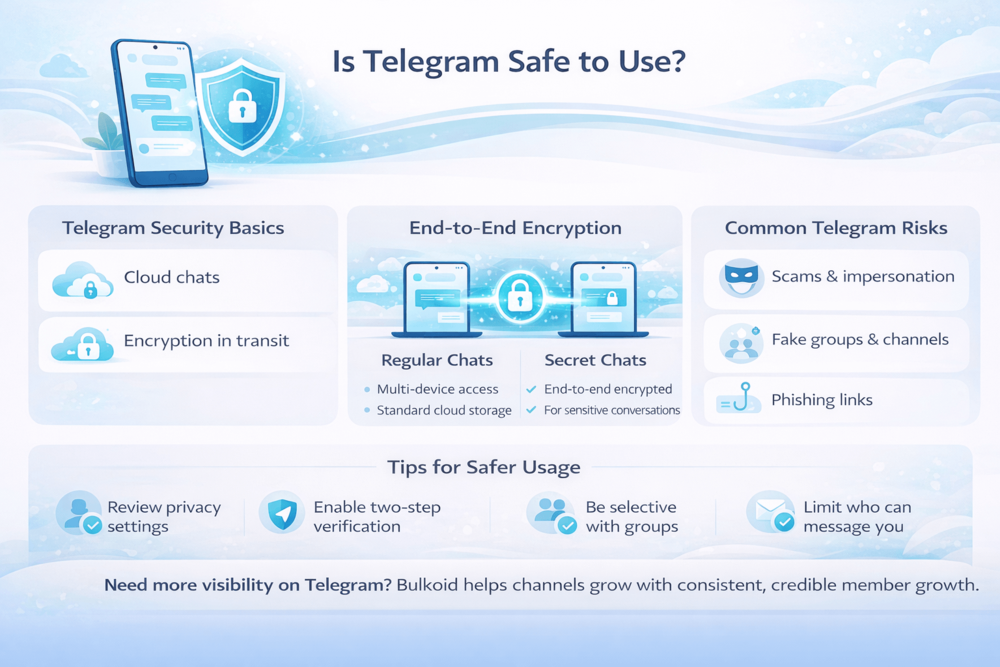
Is Telegram safe to use is a question many people ask as the app becomes more popular for private chats, public groups, and large channels.
Some users trust Telegram for its privacy features, while others worry about scams, fake accounts, and how secure messages really are.
The reality is more nuanced. Telegram offers solid security tools, but safety depends heavily on how the app is set up and how it’s used.
Knowing what Telegram protects by default and where users need to be more cautious helps you decide if it’s the right platform for you.
How Telegram Handles Security and Privacy
Telegram is built around a cloud-based messaging system, which means most chats are stored securely on Telegram’s servers rather than only on your device.
This allows you to access your messages from multiple devices at the same time, but it also means Telegram plays a more active role in handling user data compared to apps that store everything locally.
At a high level, Telegram’s security and privacy model works like this:
- Messages are encrypted while being sent between devices
- Regular chats are stored in Telegram’s cloud for syncing across devices
- Optional privacy features give users more control over sensitive conversations
- Accounts are linked to phone numbers, not usernames alone
This setup reflects the main things Telegram is used for, from everyday messaging to managing large groups and public channels, where flexibility matters as much as privacy.
Telegram also gives users long-term control over their presence on the platform. If the app no longer fits your needs or privacy expectations, you can remove your Telegram account if you stop using it instead of leaving inactive data behind.
End-to-End Encryption on Telegram (What It Really Means)
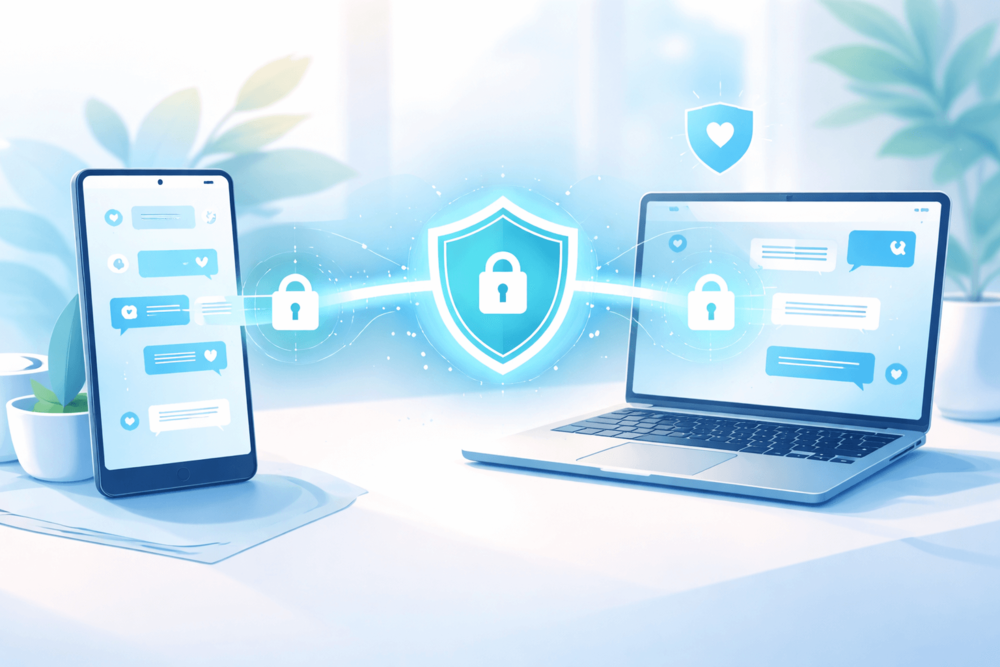
End-to-end encryption is often mentioned when people ask if Telegram is safe to use, but it is not enabled everywhere by default. This is where most confusion comes from.
Telegram focuses on flexibility first. Regular chats are built for speed and multi-device access, while stronger privacy is optional and must be enabled manually. Many users assume all chats are fully private, even when they are not.
End-to-end encryption on Telegram is mainly relevant when:
- You are sharing sensitive or private information
- You want messages to stay only between two people
- You do not need messages synced across devices
- You want features like self-destructing messages
In these cases, Secret Chats offer better protection. For everyday conversations, regular chats trade maximum privacy for convenience. This design choice is intentional, but it requires users to be aware of how they communicate.
For users who want a deeper, independent explanation, an independent analysis of Telegram privacy practices breaks down how Telegram’s encryption model works in practice.
Common Telegram Safety Risks
For most users, Telegram’s biggest safety issues are not about encryption. They come from how open the platform is and how easy it is to interact with strangers.
The most common risks users run into include:
Scams and impersonation
Fake admins, giveaway scams, and copycat accounts are common, especially in large groups and popular channels.
Phishing links
Messages that push urgent actions like claiming rewards, verifying accounts, or unlocking features often lead to malicious websites.
Fake groups and channels
Some groups exist only to collect data, promote scams, or redirect users elsewhere. This is why finding Telegram groups safely matters more than simply joining the first result you see.
Public usernames and discoverability
Using a public username makes it easier for others to find and message you, which can increase unwanted contact if your privacy settings are not adjusted.
These risks are not unique to Telegram, but the platform’s openness can amplify them. The good news is that most of these issues can be reduced with a few smart settings and habits, which is where user control really comes into play.
How to Use Telegram Safely and Stay in Control
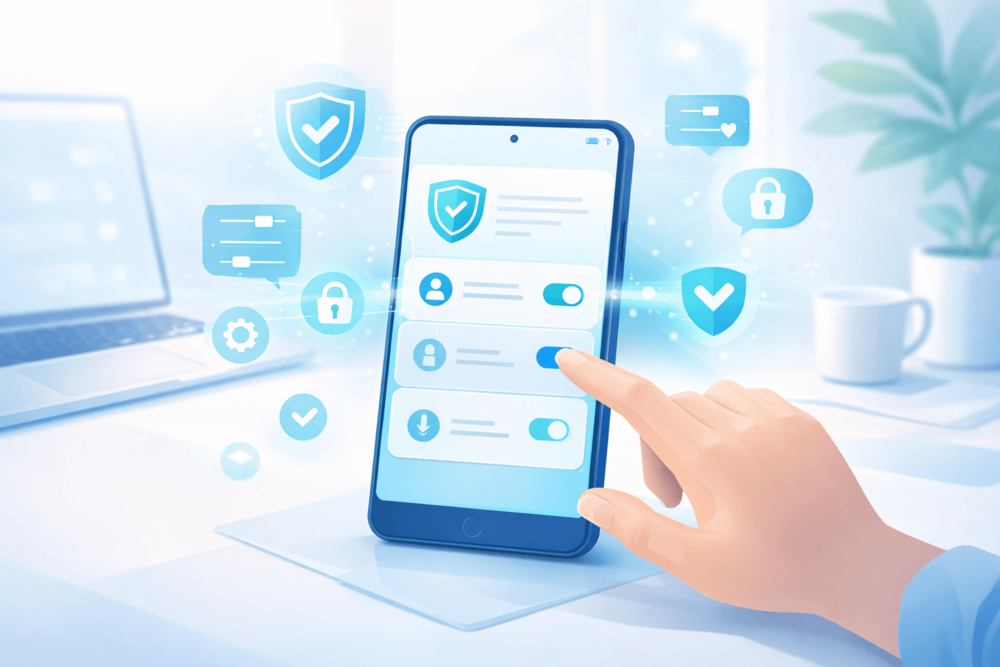
Using Telegram safely does not require locking down your account or avoiding groups altogether. Small setting changes and a bit of awareness go a long way.
A few simple steps make a noticeable difference:
Turn on two-step verification: This adds an extra layer of protection to your account, even if someone gets access to your number.
Review your privacy settings: Control who can see your phone number, profile photo, and last seen status.
Be selective with groups and channels: Stick to trusted communities and take time when joining new ones.
Limit who can message you: Adjust settings to reduce unwanted messages from unknown users.
Safety on Telegram is closely tied to how visible and active you choose to be.
Many users want to grow channels or share content while still staying protected. In those cases, early engagement and steady activity matter, especially when you want your content to reach the right audience without relying on random exposure.
Tools like Bulkoid can support that balance by helping content gain traction without encouraging risky behaviour.
With basic safety habits in place, it becomes easier to compare Telegram to other messaging apps and understand where it fits best.
Is Telegram Safer Than WhatsApp, Signal, or Messenger?
Telegram often gets compared to other messaging apps, but safety depends more on how you use each platform than on which one is “best” overall.
Each app makes different trade-offs between privacy, convenience, and scale.
| App | Safety Overview |
| Telegram | Flexible and secure when configured correctly, but users must manage privacy settings themselves |
| End-to-end encrypted by default, better for private everyday chats | |
| Signal | Strongest privacy by default, fewer social and discovery features |
| Messenger | Convenience-focused, with optional encryption and deeper platform integration |
Telegram’s strength is flexibility. It supports large groups and public channels, which explains why adoption keeps rising globally. Data on Telegram’s global user growth shows how widely the app is used across different regions and purposes.
From a safety perspective, Telegram works best for users who want control and flexibility and are willing to adjust their settings. Apps like Signal are better for users who want maximum privacy without needing to make choices, while WhatsApp sits somewhere in between.
Understanding these differences makes it easier to decide which app fits your needs, rather than assuming one option is automatically safer than the others.
Final Thoughts

Telegram can be a safe platform when you understand how it works and take control of your settings. Knowing when to use stronger privacy features, being selective with groups, and avoiding suspicious links makes a real difference in everyday use.
Most safety concerns come down to user behaviour rather than the app itself. Once your privacy settings are in place, Telegram becomes a flexible space to communicate, follow communities, and build your own audience with confidence.
👉 Want to Grow Faster on Telegram?
Staying safe is only one part of the picture. If you’re running a group or channel, visibility matters too. Early momentum helps your community look active and encourages real users to join and engage.
Bulkoid offers Telegram member growth designed to support visibility and credibility, so your channel can grow steadily while you focus on content and real interaction.