
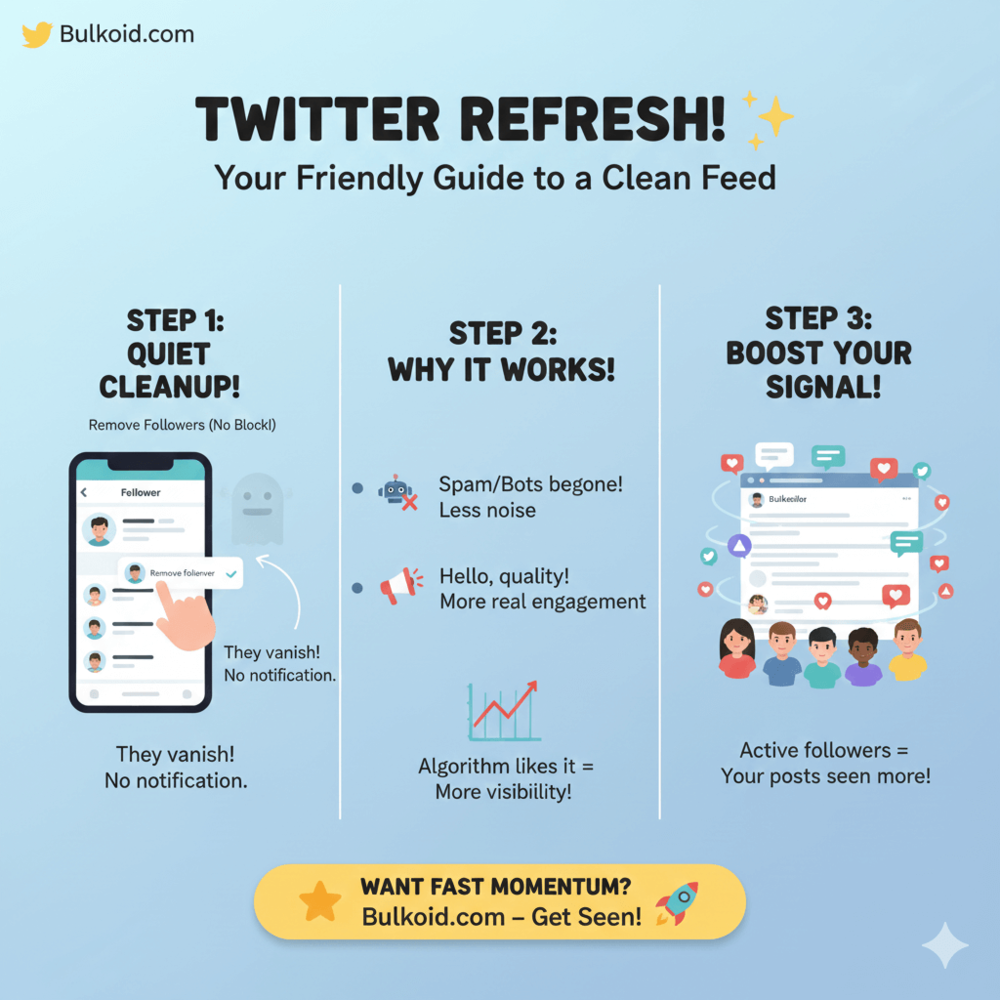
Managing your Twitter followers doesn’t have to be awkward. Sometimes you just want more control over who sees and interacts with your content.
Whether you’re dealing with spam accounts, low-quality followers or an audience that no longer fits what you share, Twitter lets you remove followers quietly without blocking them or sending notifications.
In this guide, we’ll show you how to remove followers from Twitter and why many users choose to clean up their follower list to keep engagement and visibility on track.
Can You Remove Followers on Twitter?
Yes, you can remove followers on Twitter and it’s a lot quieter than most people expect.
Instead of blocking someone or making a public statement, Twitter lets you remove a follower directly from your follower list.
Once you do, that account stops following you immediately and they don’t get a notification about it.
This approach is often described as soft blocking, a method that quietly resets the connection, as explained in how to soft block on Twitter.
What removing a follower actually does
- The account is removed from your follower list right away
- They are not notified
- They can no longer see your posts in their feed
- Your account doesn’t block them by default
This makes follower removal a useful option if your account has picked up spam, bots or followers who no longer fit what you post.
Why many users prefer this option
- It keeps things low-key
- It avoids unnecessary confrontation
- It gives you more control without permanent restrictions
For many users, removing a follower feels like a soft reset. You clean up your audience, protect your space and move on without turning it into a bigger deal than it needs to be.
How to Remove Followers From Twitter (Step-by-Step)
Removing followers from Twitter only takes a few seconds and you can do it directly from your follower list.
The process is the same whether you are cleaning up spam accounts or removing a specific follower.
Remove a follower on desktop
- Open Twitter and go to your profile
- Click Followers to see your full follower list
- Find the account you want to remove
- Click the three-dot menu next to their profile
- Select Remove this follower
- Confirm your choice
Once confirmed, the account is removed immediately and no notification is sent.
Remove a follower on the mobile app
- Open the Twitter app
- Go to your profile and tap Followers
- Locate the follower you want to remove
- Tap the three dots next to their name
- Choose Remove this follower
- Confirm when prompted
The follower is removed right away and your account continues as normal.
What to expect after removal
- The account no longer follows you
- Your posts stop appearing in their feed
- They are not alerted or warned
- You do not block them automatically
Removing followers works quietly in the background, which makes it ideal for cleaning up your audience without drawing attention to the change.
Removing Followers vs Blocking: What Happens and What’s the Difference

Removing a follower and blocking someone might sound similar, but they work very differently on Twitter.
Understanding the difference helps you choose the option that fits your situation without going further than necessary.
Removing vs blocking at a glance
| When You Remove a Follower | When You Block Someone |
| They stop following your account immediately | They are completely prevented from interacting with your account |
| They are not notified | Blocking is more obvious and visible |
| Your account does not block them | They cannot see your posts, follow you or message you |
| They can follow you again later if your account is public | Blocking is harder to reverse |
| Quiet, low-friction way to clean up your audience | Strong boundary for harassment or repeated spam |
You can also remove followers without blocking them, which is why many users treat follower removal as a soft reset rather than a permanent decision.
Some users combine this with other quiet controls, such as hiding likes on Twitter, to limit visibility without cutting off connections entirely.
It gives you control over who follows you while keeping your account experience calm and manageable.
Why People Choose to Delete Followers on Twitter
Deleting followers on Twitter isn’t usually about numbers.
Most of the time, it’s about comfort, clarity and keeping your account useful instead of noisy.
Spam and bot accounts
Bot profiles often follow thousands of users, leave generic replies or stay inactive.
Over time, they clutter your follower list and weaken engagement signals, even if your follower count looks high.
Low-quality or inactive followers
Some accounts never like, reply or interact with your posts.
While they add to the follower number, they don’t contribute to visibility or real engagement, which matters more than raw totals.
Personal boundaries and comfort
Former connections, strangers or accounts that interact in uncomfortable ways are another common reason.
Removing a follower offers a quiet way to reset without confrontation or public signals.
Professional or brand cleanup
Creators and businesses often review their follower list to make sure it reflects their audience.
This shift has become more common as users pay closer attention to privacy and platform control, especially amid ongoing discussions around Twitter privacy and data concerns.
How to Keep Your Twitter Followers Clean Going Forward

Removing followers once can help, but keeping your Twitter audience healthy over time is mostly about small, consistent habits.
Be intentional with engagement
The accounts you reply to, like and interact with often shape who finds and follows you.
Engaging thoughtfully helps attract followers who are actually interested in what you post, not random or low-quality accounts.
Use tools to reduce noise before it becomes a problem
Instead of reacting to every unwanted interaction, many users quietly limit what appears in their feed by muting specific words or phrases.
This keeps conversations cleaner and reduces the chance of attracting spam accounts in the first place.
Review your follower list occasionally
You don’t need to check it daily, but a quick review from time to time helps catch bot accounts, inactive profiles or followers that no longer fit your content.
If you’re unsure why someone feels out of place, checking your Twitter history can help you understand past interactions.
Pay attention to engagement, not just numbers
A smaller follower count with steady likes, replies and conversations usually performs better than a large audience that never interacts.
Engagement quality plays a bigger role in visibility than raw totals.
Keeping your followers clean isn’t about being strict. It’s about creating an account environment that feels manageable, relevant and aligned with how you want to use Twitter.
Why Quality Followers Matter More Than Quantity

On Twitter, a high follower count doesn’t automatically mean strong reach. What actually pushes your posts further is how people interact with them.
Likes, replies, reposts and profile visits all signal to Twitter that your content is worth showing to more users. If a large portion of your followers never engage, those signals weaken, even if your numbers look impressive.
Why engagement quality makes a difference
- Active followers help your posts gain momentum
- Real interactions improve visibility in feeds
- Consistent engagement makes growth more predictable
This is why many users choose to remove low-quality or inactive followers. A smaller audience that actually engages sends stronger signals than a large one that stays silent, especially for creators and brands.
This is also where visibility support can help. After cleaning up followers, some users use services like Bulkoid to strengthen reach and bring real attention back to their content.
The goal isn’t to inflate numbers, but to support momentum so posts reach people who are more likely to engage.
Final Thoughts
Removing followers on Twitter is a simple way to regain control over your account.
Whether you are clearing out bots, reducing noise or reshaping your audience, the process is quiet, reversible and easy to manage.
A cleaner follower list helps your content perform more consistently and makes your overall Twitter experience feel more intentional.
When the right people are following and engaging, everything from reach to interaction becomes easier to understand.
👉 Give your posts the push they deserve
You fixed your follower list. Now make your tweets impossible to ignore.
Bulkoid helps push your content in front of real users so engagement actually starts building. More eyes, stronger signals, real momentum.