How to download songs on Spotify is one of those features that sounds simple but often comes with questions. Offline listening is perfect for travel, commutes, or anytime your connection isn’t reliable.
In this guide, we’ll show you how Spotify downloads work, what you need to get started, and how to avoid common issues. Everything is explained in a clear, easy way, so you can start listening without stress.
Can You Download Songs on Spotify?
Yes, you can download songs on Spotify, but there’s one important thing to understand first. Spotify downloads are made for offline listening inside the app. They are not regular music files you can move, share, or play outside of Spotify.
When you download a song, album, or playlist, Spotify saves it securely to your device. This lets you listen without an internet connection, but only while you’re logged into your account. The music stays linked to your subscription and the app itself.
If you’re new to Spotify, it helps to know what Spotify is and how the platform works so the idea of app-based downloads makes more sense. Once you understand that, the rest of the process feels straightforward and easy to follow.
What You Need Before Downloading Songs
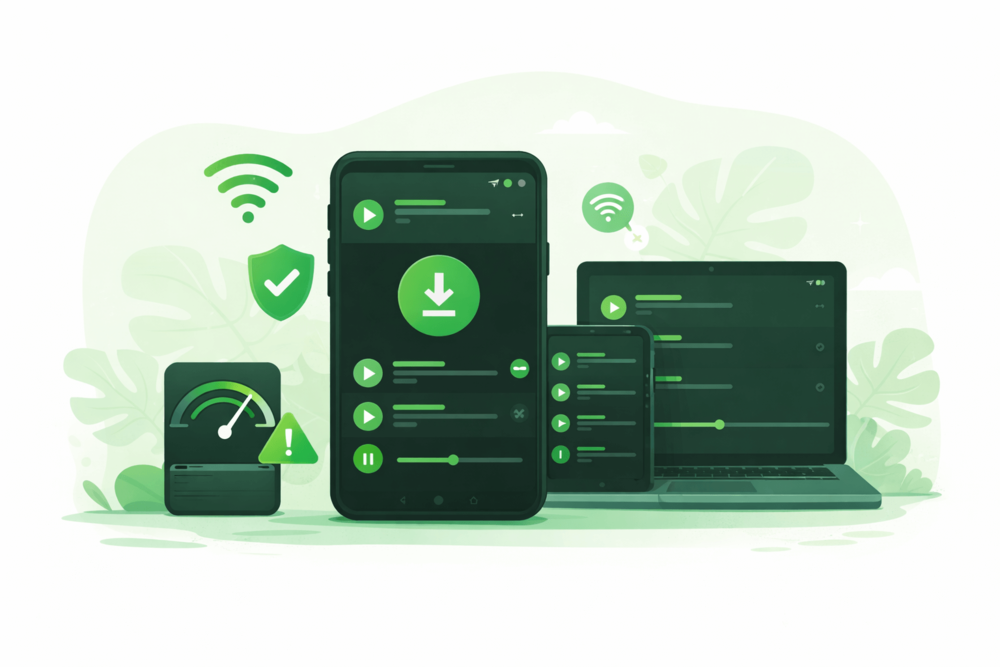
Before you start downloading songs on Spotify, it helps to check a few basics first. Nothing here is complicated, but knowing this upfront saves time and frustration later.
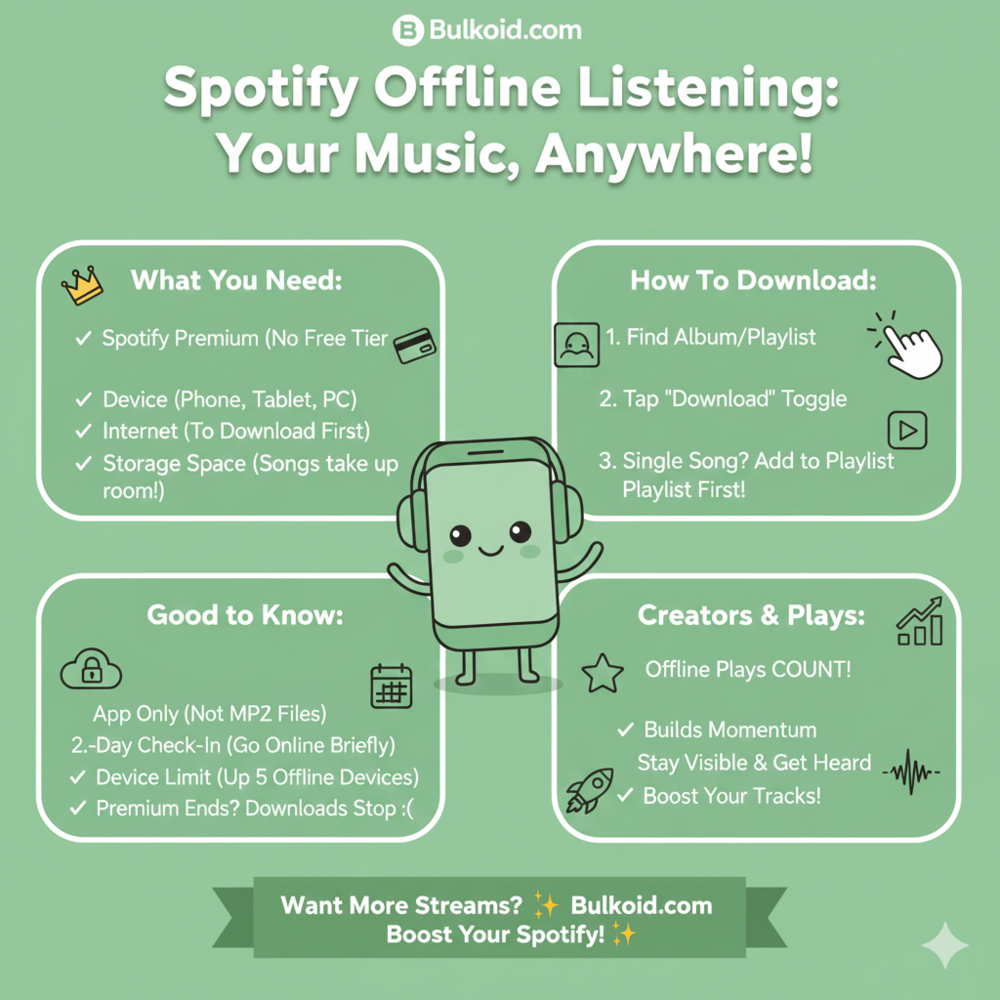
Here’s what you need:
Spotify Premium
Downloads are only available with a Premium subscription.
Offline listening is one of its core features and it also connects to how Spotify artists earn money per stream, since Premium plays support artists differently than free listens.
A supported device
You can download songs on phones, tablets, and desktop apps. As long as you’re using the Spotify app, you’re good to go.
An internet connection (at first)
You need to be online when you download the music. Once it’s saved, you can listen without internet.
Enough storage space
Downloaded songs take up space on your device, especially at higher audio quality.
If you’re unsure what you get with Premium, this guide on the differences between Spotify Free and Spotify Premium explains it in a simple way.
Once these boxes are checked, downloading songs on Spotify feels quick and straightforward.
How to Download Songs on Spotify
Once everything is set up, downloading songs on Spotify is straightforward. The steps are almost the same no matter which device you’re using, so you don’t need to overthink it.
Download a Single Song
If you want to save just one track for offline listening, start by opening the song in the Spotify app.
Tap the three dots next to the song, then add it to a playlist. Spotify only allows downloads through playlists, so this step is required.
After the song is in a playlist, turn on the Download toggle for that playlist. Spotify will save the song to your device so you can listen without an internet connection.
Download an Album
To download an entire album, open the album page in Spotify.
You’ll see a Download toggle near the top of the screen. Turn it on, and Spotify will download all the songs in that album at once.
This option is useful if you often listen to full albums and want everything available offline.
Download a Playlist
Downloading a playlist works the same way as downloading an album.
Open the playlist, switch on the Download toggle, and Spotify will save all included songs to your device.
This is the easiest way to keep your favorite mixes, workout playlists, or travel music ready to play anytime.
How Offline Listening Works on Spotify
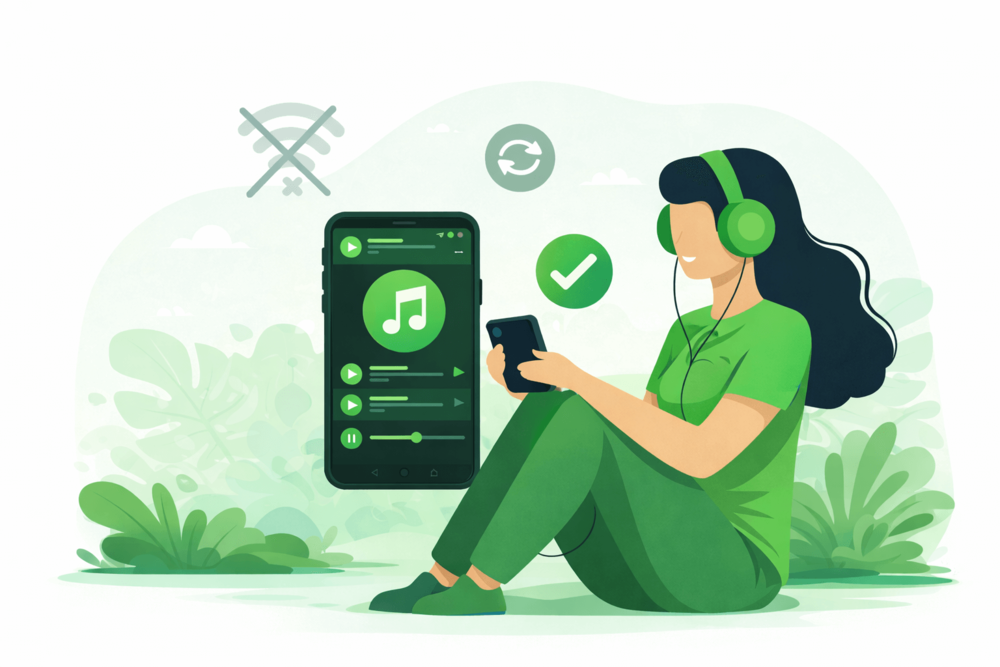
Once you download songs on Spotify, the app handles most things for you. Still, a few small details explain why offline listening sometimes feels confusing.
Offline listening lets you play downloaded songs without internet, but only inside the Spotify app. The music stays linked to your account, not saved as regular files.
Things you might notice (and why they happen)
Spotify checks your connection sometimes: This is normal. The app needs to confirm your Premium subscription and keep your downloads active.
Offline Mode is optional: You can turn it on if you want Spotify to only play downloaded songs. It’s helpful when you’re traveling or saving data.
There’s a device limit: Spotify allows downloads on a limited number of devices. If you change phones or log in on many devices, you may need to remove downloads from one of them.
Downloads stop working if Premium ends: Your music stays in your library, but offline playback needs an active subscription.
These rules are part of ways artists grow and keep monthly listeners on Spotify, where consistent listening matters more than where you press play.
Once you know what to expect, offline listening feels simple and reliable instead of random.
Common Problems and How to Fix Them
Even when you follow all the steps, Spotify downloads don’t always behave perfectly.
Most issues are easy to fix once you know what’s causing them.
❌ Download button is missing
What’s happening: You’re likely using Spotify Free or you’re not logged into the right account.
How to fix it: Check that you’re on Spotify Premium and signed into the correct account. Downloads won’t appear on the free plan.
❌ Songs won’t play offline
What’s happening: The songs may not be fully downloaded, or Spotify is still trying to stream them.
How to fix it: Turn on Offline Mode and make sure the download icon shows as complete. If needed, reconnect to the internet once so Spotify can refresh your downloads.
❌ Downloads are stuck or taking too long
What’s happening: Slow internet, weak Wi-Fi, or background app limits can pause downloads.
How to fix it: Switch to a stable Wi-Fi connection, keep the app open, and check that background data is allowed on your device.
❌ Not enough storage space
What’s happening: Your device is running low on space, especially if you use high audio quality.
How to fix it: Clear old downloads, lower the download quality, or free up space on your device.
❌ Downloads disappeared after switching devices
What’s happening: Spotify limits how many devices can store downloads at the same time.
How to fix it: Remove downloads from an older device, then re-download the songs on your current one.
Most of these issues are small and temporary. Once they’re fixed, offline listening works smoothly again.
Wrapping Things Up
Downloading songs on Spotify is a simple way to make listening more reliable, especially when you’re offline or on the move. Once you understand how downloads work, everything feels easier and more predictable.
If you’re an artist or creator, these listening habits matter too. Consistent plays, saves, and returns all help build momentum over time.
That’s why many artists pair organic listening with extra visibility support, such as Spotify services, to help their music reach new listeners while real engagement grows naturally.
Whether you’re listening or creating, the goal is the same. Make music easy to access, easy to enjoy, and easy to come back to.