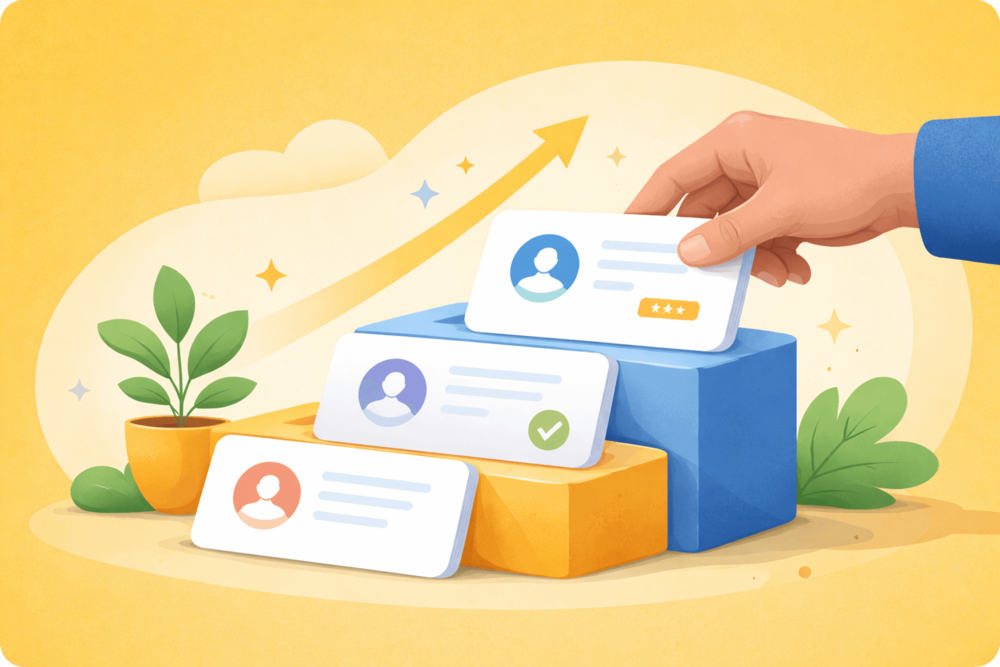
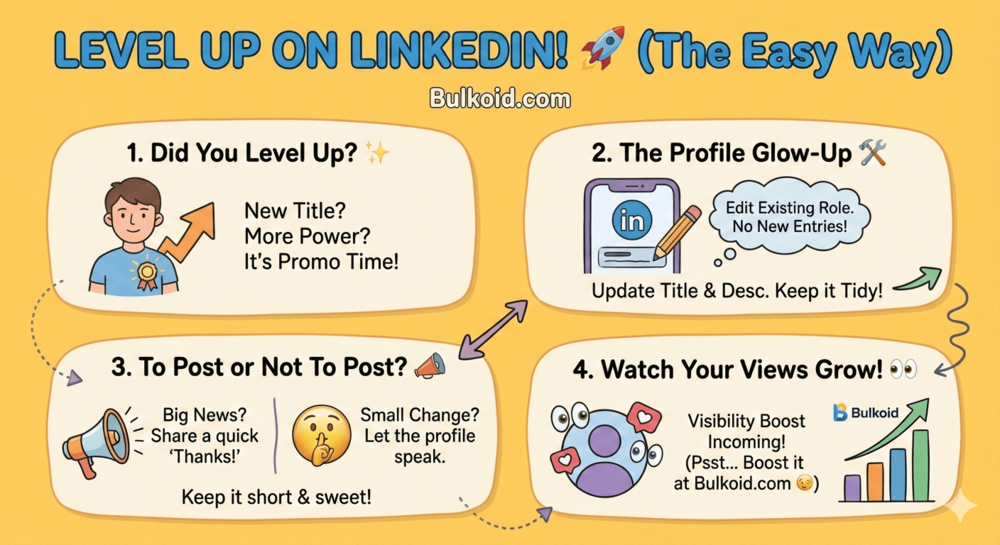
How to add a promotion on LinkedIn is a common question after a role change, title upgrade, or internal move.
LinkedIn makes it easy to update your profile, but the steps are not always obvious. A small mistake can make your experience section look messy or outdated.
In this guide, you’ll learn how to add a promotion the right way. We’ll cover when to edit an existing role, when to announce the update, and how to keep your profile clean and professional.
The goal is simple. Show your progress without overthinking it.
What Counts as a Promotion on LinkedIn?
A promotion on LinkedIn does not always mean a brand-new job. In most cases, it reflects growth within the same company. That could be a higher title, more responsibility, or a leadership role.
Common examples include moving from Junior to Senior, becoming a team lead, or taking on a manager role. Internal transfers can also count, as long as they represent a step forward in scope or impact.
What matters most is clarity. Your profile should show progression without creating duplicate roles or confusing timelines. Once you understand what qualifies as a promotion, updating your profile becomes much easier.
How to Add a Promotion on LinkedIn (Step by Step)
Once your promotion is clear, updating your profile should feel quick and straightforward. A clean setup helps your experience section show growth without clutter.
Follow these steps:
- Go to your LinkedIn profile and scroll to Experience.
- Find your current role and click the edit icon.
- Keep the same company if the promotion happened internally.
- Update your job title to reflect the new role.
- Set the start date to when the promotion began.
- Review the description and add new responsibilities or leadership tasks.
- Save and check that the timeline looks natural.
You do not need to end your previous role if you stayed at the same company. LinkedIn supports multiple titles under one employer, which helps show progression clearly.
Before moving on, take a moment to view your profile as a visitor. A quick glance can confirm that your update reads smoothly and tells the right story.
Should You Announce Your Promotion on LinkedIn? (And How to Do It Right)
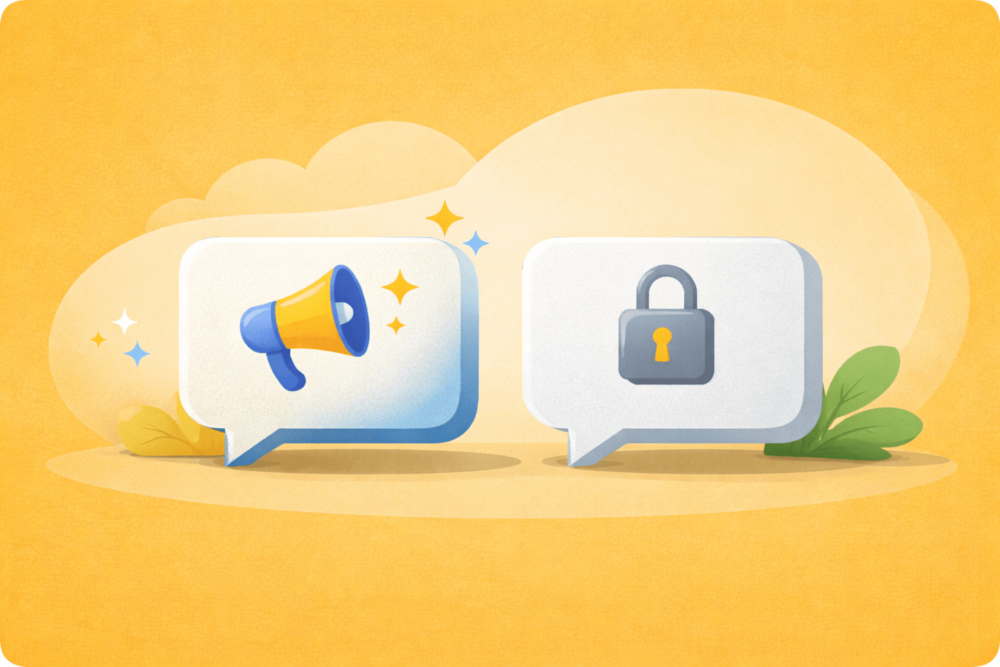
After updating your profile, you might wonder if you should share the news publicly. LinkedIn often notifies your connections about profile changes, but that does not always replace a post.
When deciding whether to share the update, some professionals also think about who will actually see it. That often brings up questions about profile visibility and viewer insights, which is why LinkedIn Premium comes up for many people around the time of a promotion.
In some cases, staying quiet is the better choice. Small title changes or internal adjustments do not always need a post. If the update feels routine, letting the profile change speak for itself is perfectly fine.
If you decide to announce it, keep the message simple:
- Share the new role or title
- Thank your team or manager
- Keep the tone professional and relaxed
Avoid turning the post into a long story. One short paragraph is usually enough. A couple of relevant hashtags can help with reach, but more than that is unnecessary.
Once the announcement is live, the focus shifts to how your profile performs. That is where visibility and engagement start to matter more.
Common Mistakes to Avoid
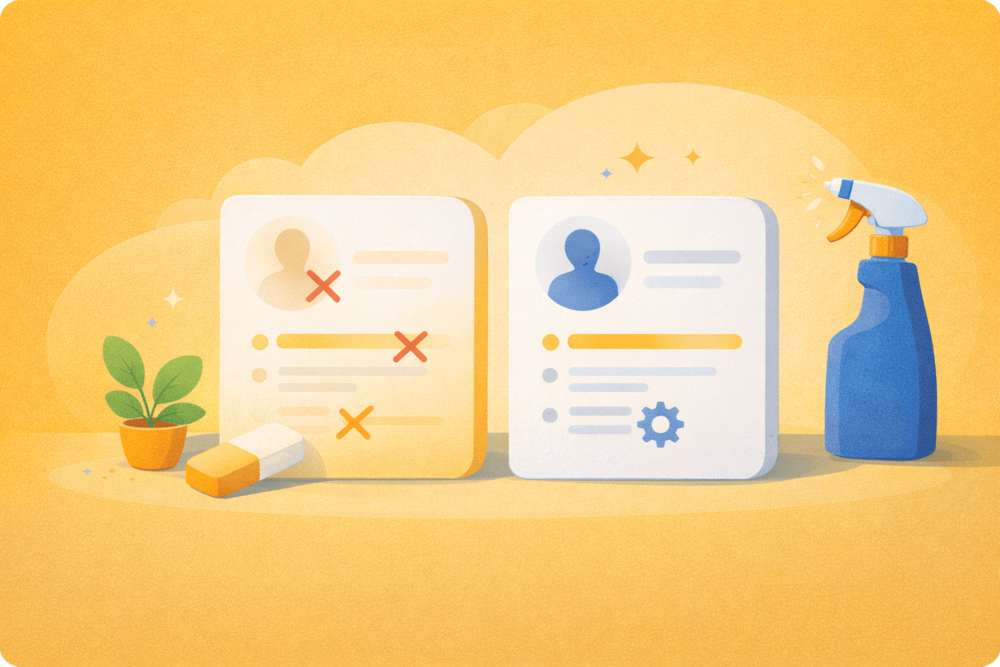
After adding a promotion or sharing an update, small mistakes can take away from the impact. Most of them are easy to avoid once you know what to look for.
Mistake: Adding a new company instead of updating your role
How to solve it: Edit your existing position if the promotion happened at the same company. This keeps your timeline clean and shows steady growth instead of a job change.
Mistake: Updating the title but not the description
How to solve it: Refresh the role description with new responsibilities or leadership tasks. Even a few bullet points help explain what actually changed.
Mistake: Oversharing in the announcement post
How to solve it: Keep the message short and focused on the role. A simple thank-you is enough to keep the post professional.
Mistake: Leaving old titles visible elsewhere on your profile
How to solve it: Check your headline, summary, and experience section together. Make sure they all reflect your current position.
When these details are in place, your profile does more than look accurate. It becomes easier to understand at a glance, which directly affects how people interact with it.
That is where visibility comes into play.
How Promotions Affect Your LinkedIn Visibility
After you update a promotion, LinkedIn starts treating your profile a little differently.
Profile changes act as activity signals, which often leads to more profile views over the next few days.
People usually check the same things first:
- Your current job title
- Your most recent role
- Your overall career progression
A clear promotion makes that scan easy and builds trust fast.
What Usually Changes After a Promotion
Most users notice at least one of the following:
- An increase in profile views
- More connection requests
- More reactions or comments if they shared an update
This happens because your profile appears more active and relevant.
Why Supporting Details Matter
When visibility increases, visitors tend to explore more than just your title. They often look at:
- Your role description
- Your skills section
- Any documents attached to your profile
This is why keeping your resume aligned with your new role matters. If someone wants a deeper look, consistency helps them understand your experience without confusion.
Career guidance from LinkedIn and insights shared by Harvard Business Review both highlight the value of clear, consistent career signals. When everything matches, your profile feels easier to trust.
Once that visibility picks up, many professionals start thinking about how to keep the momentum going. That is where growth tools and profile insights enter the conversation.
Smart Growth Tip: Making the Most of Your Promotion
A promotion often creates a brief window of attention. What you do during that window shapes how your profile is perceived.
Profile activity: Recent updates signal that your profile is current. Even light engagement helps visitors see you as active, not static.
Headline alignment: A title that matches your new role reinforces clarity. When the headline and experience section tell the same story, your profile feels intentional.
Engagement signals: Reactions, comments, and connection activity act as quiet social proof. They show that others are interacting with your profile and content.
Visibility tools: Some professionals explore extra features on LinkedIn after a promotion. This usually comes from wanting better insight into profile views or search appearances, not pressure to upgrade.
However you approach it, the goal stays the same. Support the attention your promotion brings so your profile continues to work for you once the initial spike fades.
Final Thoughts
Adding a promotion on LinkedIn does not have to be complicated. A clear update, accurate details, and a profile that reflects your current role are usually enough to make the change work in your favor.
Whether you choose to announce the promotion or keep it quiet, consistency matters most. When your title, experience, and overall profile align, people understand your progress at a glance.
Treat promotions as part of ongoing profile maintenance, not a one-time event. Small updates over time help your LinkedIn presence stay relevant, credible, and ready for the next opportunity.
👉 Want Your Promotion to Get Noticed Faster?
A profile update works best when people actually see it. If you want your promotion to land with more visibility and credibility, growing your audience can make a real difference.
With Bulkoid, you can buy real, high-quality LinkedIn followers to strengthen your profile and support organic growth. More followers means stronger social proof and more eyes on your career updates.